How to change the FaceTime ringtone on iPhone (and Mac)
Published November 1, 2026 · 5 min read
We could not find a separate FaceTime ringtone setting on iPhone. FaceTime calls ring with the same ringtone as phone calls, so changing that one sound changes both, and a contact’s own ringtone is the way to make one person different.
This guide shows where to change it on iPhone, how to give one person their own FaceTime ring, how the Mac is set separately, and how to use a sound of your own.
How do you change the FaceTime ringtone on iPhone?
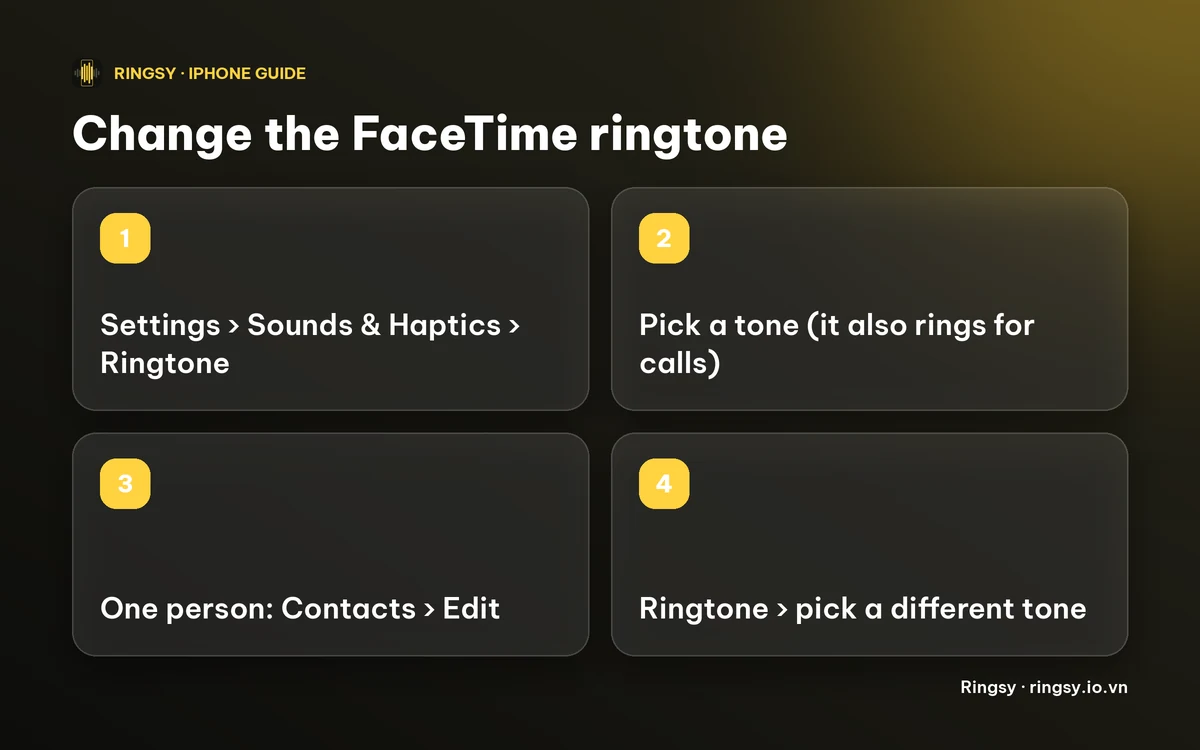
- 1Open Settings › Sounds & Haptics › Ringtone.
- 2Tap a tone to hear it, then leave it ticked. Tones you added yourself appear at the top, under Ringtones.
That is the sound your iPhone plays for incoming calls, and from what we could find, FaceTime calls too. Menus change between iOS versions, so if your version shows a FaceTime-specific ringtone somewhere, use it.
Can one person have a different FaceTime ringtone?
Yes, through their contact card. Apple’s FaceTime guide says to change the ringtone for a particular caller in Contacts.
- 1Open Contacts and tap the person.
- 2Tap Edit, then Ringtone.
- 3Pick a tone and tap Done.
The contact ringtone is the same one used for their phone calls, so you cannot give the same person one tone for calls and another for FaceTime. Our guide on a ringtone for each contact has the details.
What about FaceTime on a Mac?
The Mac has its own setting. Apple’s FaceTime guide for Mac says to open FaceTime › Settings › General and use the Ringtone pop-up menu for incoming calls. Changing the sound on your iPhone does not change it there.
The Mac menu lists the tones it knows, so a sound you made for your iPhone may not appear in it.
How do you use your own sound for FaceTime?
Because FaceTime follows the iPhone ringtone list, a custom ringtone becomes a FaceTime ringtone as soon as it is in that list. It has to be 30 seconds or less.
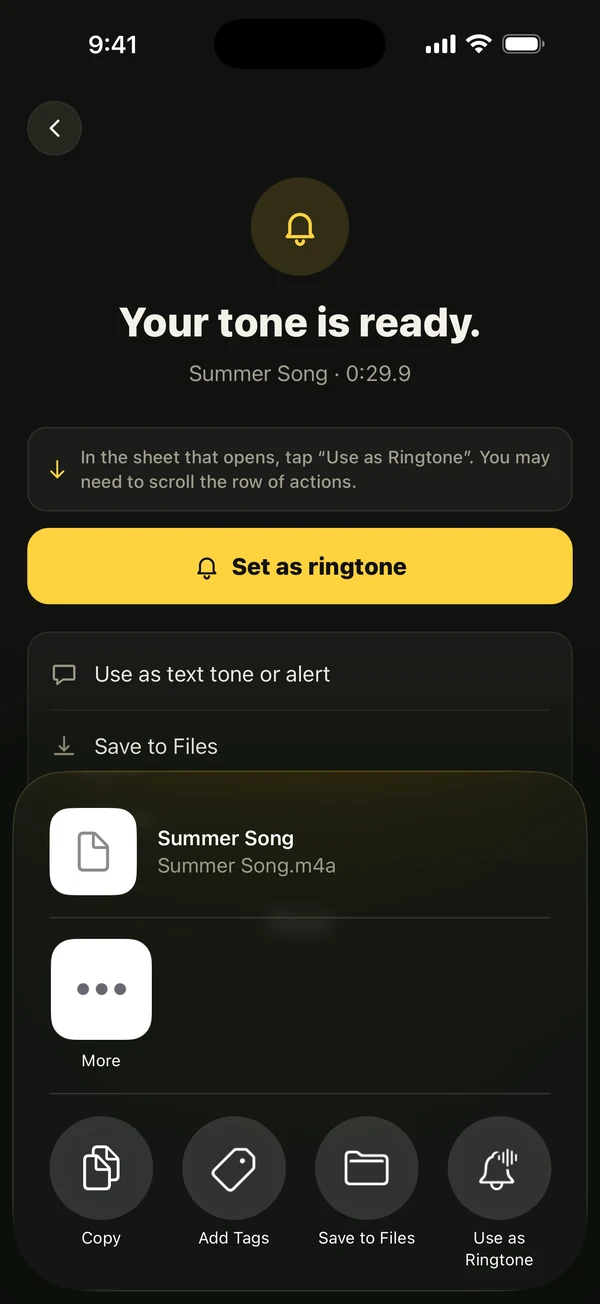
- On iOS 26: share the audio and choose “Use as Ringtone”.
- On iOS 17–18: bring the audio into GarageBand, then Share › Ringtone › Export.
Then pick it in Settings or on a contact as above. If it does not show up, our fix guide for a custom ringtone not showing covers the usual causes.
Why does FaceTime not ring, or ring with another sound?
- A Focus or Silent mode is on. Check the Ring/Silent switch and your Focus, as for any call.
- The contact has their own ringtone, which overrides your default.
- A call came through an app other than FaceTime, which may use its own sound.
Our guide on an iPhone not ringing has the full checklist.
How Ringsy helps
Ringsy makes the tone; choosing it in Settings or on a contact is always your last step, because iOS does not let any app do that for you.
Pick a song file, a video’s soundtrack or a recording, trim it on the waveform and tap “Save & set as ringtone”. On iOS 26 that opens the share sheet with “Use as Ringtone”; on iOS 17–18 it walks you through GarageBand. Sounds stay on your phone. The free plan includes two exported ringtones; Ringsy Unlimited is a one-time purchase with no subscription.
Quick facts
- We found no separate FaceTime ringtone on iPhone; it uses Settings › Sounds & Haptics › Ringtone.
- One person: Contacts › Edit › Ringtone.
- Mac: FaceTime › Settings › General › Ringtone.
- A custom ringtone must be 30 seconds or less.
Frequently asked questions
- Can I set a FaceTime-only ringtone on iPhone?
- We could not find a setting for it. FaceTime uses your iPhone ringtone, and a contact’s own ringtone applies to that person.
- How do I change the FaceTime ringtone on a Mac?
- Open FaceTime, choose FaceTime › Settings, click General and pick a sound from the Ringtone pop-up menu.
- Does changing my iPhone ringtone change FaceTime on my Mac?
- No. The Mac has its own Ringtone setting in FaceTime settings.
- Can Ringsy set the FaceTime ringtone?
- No, and iOS does not let any app do that. Ringsy makes the tone and adds it to your iPhone; you choose it in Settings or on a contact.