iPhone ringtone too quiet? How to make it louder
Published October 1, 2026 · 6 min read
A quiet iPhone ringtone usually has one of three causes: the ringer volume is low (it is separate from media volume), Attention Aware Features lowers the ring when you look at the phone, or the ringtone file itself is quiet. Check them in that order.
The first two are settings and take a minute. The third is about the sound you chose, and it is the most common reason a custom ringtone is drowned out while a stock one is not.
Is the ringer volume actually up?
iPhone has two volumes: one for calls and alerts (the ringer) and one for music and videos (media). Pressing the volume buttons while a video plays only changes media.
- 1Open Settings › Sounds & Haptics.
- 2Drag the Ringtone and Alerts slider most of the way to the right. The phone plays a sample as you drag.
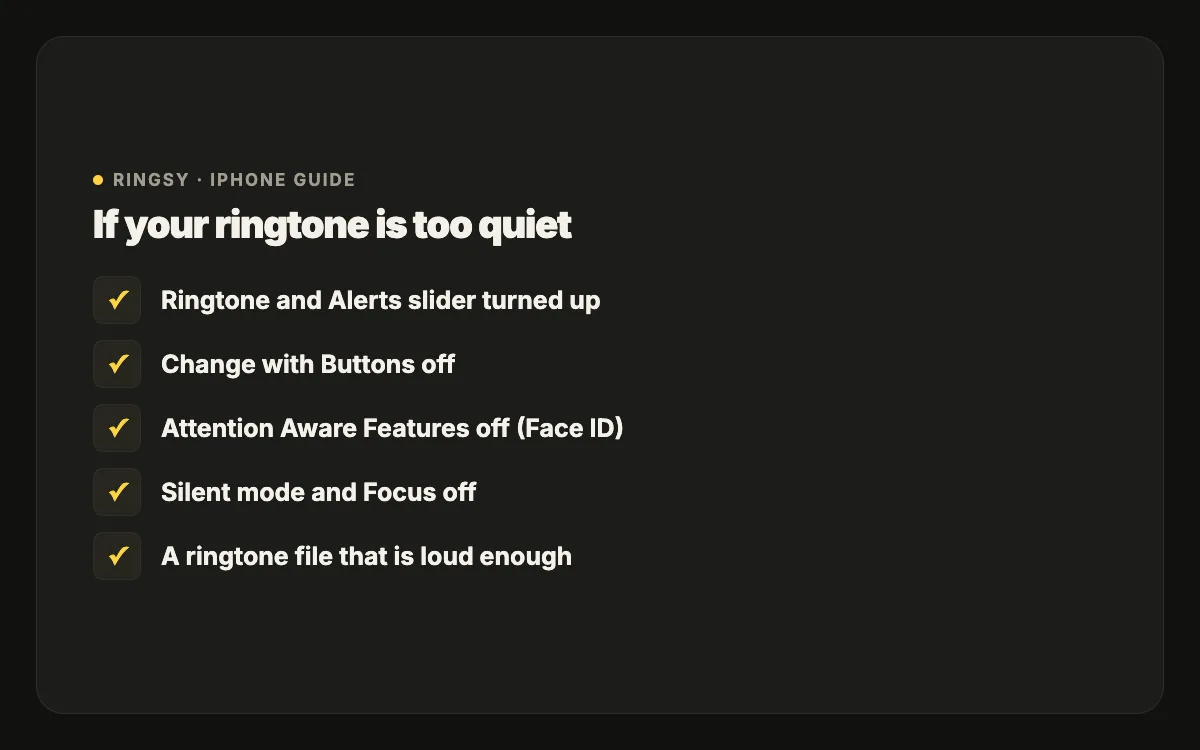
- 3Decide on Change with Buttons. On, the side buttons change the ringer when nothing is playing — handy, but easy to turn down by accident in a pocket. Off, the ringer stays where you set it.
If your ringtone keeps getting quieter on its own, turning Change with Buttons off is usually the fix.
Why does the ringtone get quieter when I pick up the phone?
On iPhones with Face ID, Attention Aware Features lowers the ringer and alert volume when it sees you looking at the screen. That is intentional, but it can feel like the ringtone is fading out.
To turn it off, open Settings › Face ID & Passcode and switch off Attention Aware Features. The ring then stays at full volume until you answer or decline.
Is something else silencing it?
- Silent mode: the ring/silent switch or the Action button (on newer models) turns calls into vibration only. An orange mark on the switch, or a bell with a line in the Dynamic Island, means silent.
- A Focus such as Do Not Disturb or Sleep silences calls except from people you allow.
- Bluetooth: if earbuds, a car or a speaker is connected, the ring may play there instead of on the phone.
- A case covering the speaker grille at the bottom of the phone, or dust in the grille, can muffle it noticeably.
If calls don’t ring at all, our guide to an iPhone not ringing goes through each of these in detail.
How do I make the ringtone file itself louder?
Stock tones are mastered to sound loud on a phone speaker. A custom tone — a voice memo, a clip from a video, a song with a gentle intro — often isn’t, and no setting can make a quiet file loud.
- Pick a louder part. Choose a stretch where the sound is full from the first second, not a soft intro.
- Raise the level before exporting. In GarageBand, turn up the track’s volume (in the track controls) and listen for distortion; an editor with a normalise option does this in one step.
- Avoid deep bass. A phone speaker barely plays low frequencies, so a bass-heavy song sounds thin and quiet; mid-range sounds (voices, bells, guitars) cut through.
- Record closer. For a voice ringtone, hold the iPhone about a hand’s width from your mouth in a quiet room.
Will a louder ringtone distort?
It can, if the level is pushed past the maximum. The trick is to raise the quiet parts without letting the loudest peaks clip — which is what loudness normalisation does. After raising the level, listen on the phone’s own speaker, not just on earbuds, because the speaker is where harshness shows up.
Where Ringsy helps
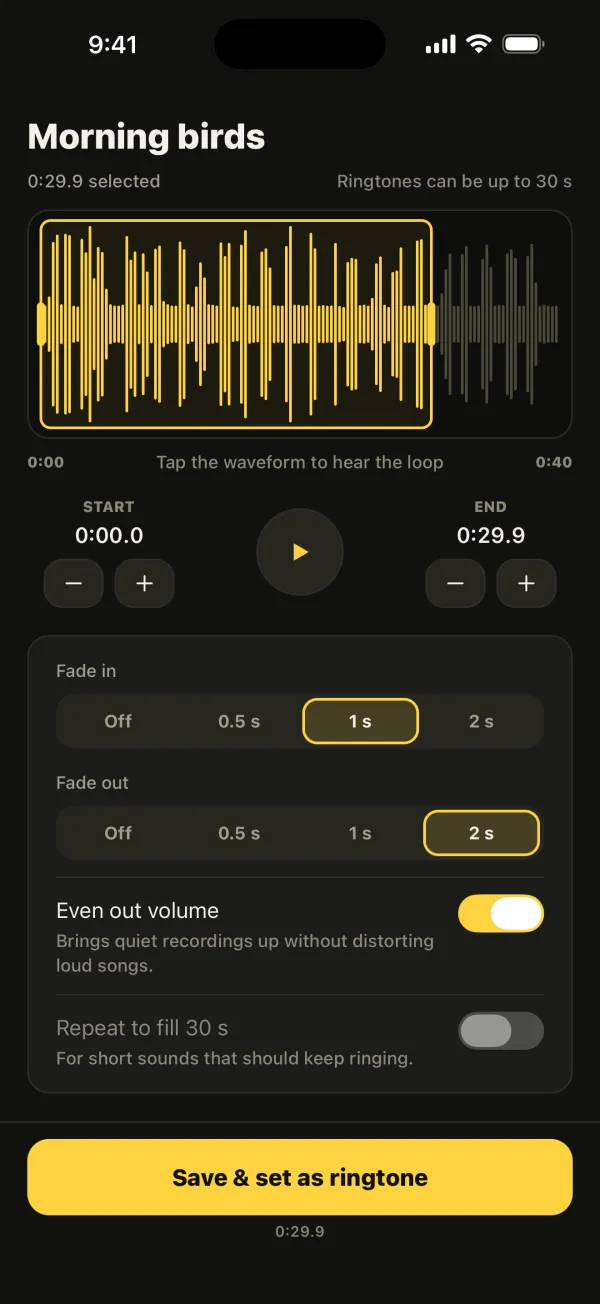
Settings fix the first group of causes; Ringsy, our ringtone maker for iPhone, helps with the last one. Its Even out volume switch is on by default and brings quiet recordings up without distorting loud songs, so a voice memo or a video clip rings about as loud as a stock tone. You can pick the loudest stretch on the waveform, add a short fade-in to remove a click at the start, and tap to hear it before you set it. Sounds are processed on the iPhone and never uploaded.