How to silence calls from one person on iPhone without blocking them
Published November 11, 2026 · 5 min read
If you want one person’s calls to stop ringing without blocking them, the cleanest way is a Focus that silences only that person. A second way is a silent sound set as their ringtone. iPhone does not offer a plain “None” for a contact’s ringtone, as far as we and most guides can tell, so those two are the routes.
This guide covers both, how to turn off the vibration too, and what you still see afterwards. Menu names move a little between iOS versions, so trust the screen in front of you.
1. Is there a “None” ringtone for one contact?
Not that we could find. In Contacts › Edit › Ringtone, the list holds tones, but no entry that means “no sound”. Alerts such as Text Tone and New Voicemail do have a None choice; the ringtone list does not, as far as we know.
So you either keep the ringtone and silence the person another way (a Focus), or give them a ringtone that makes no sound.
2. Silence one person with a Focus
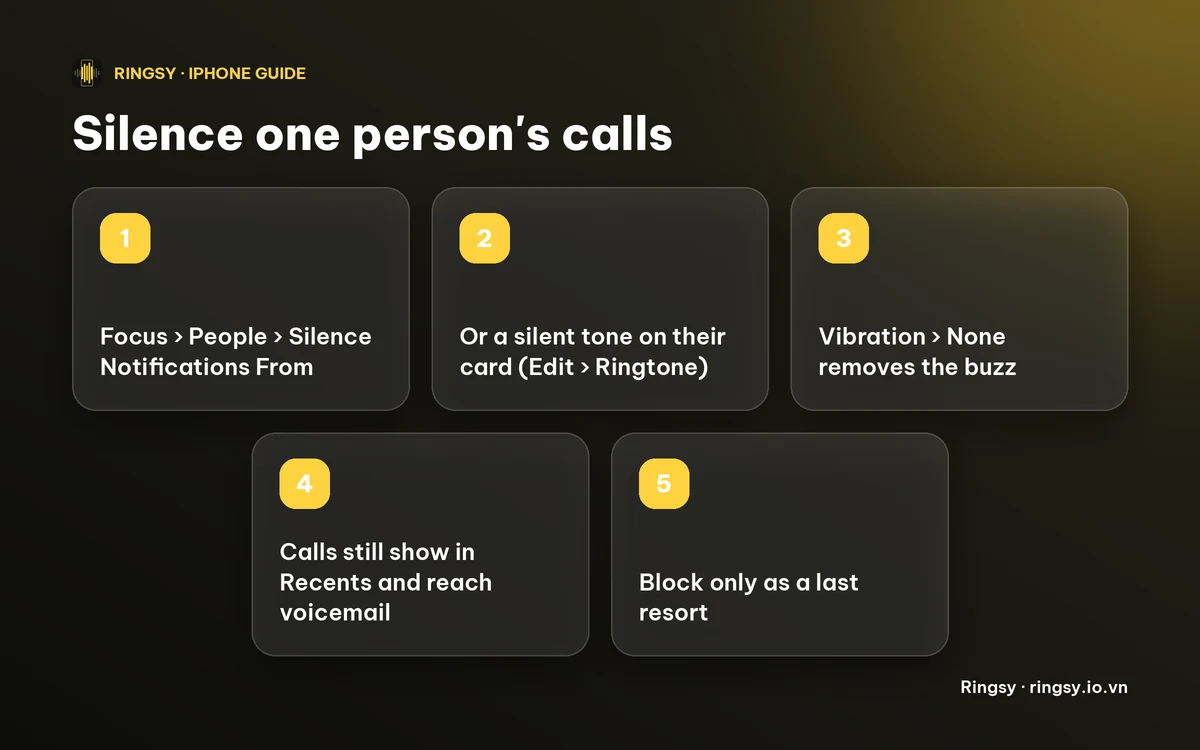
- 1Open Settings › Focus and pick a Focus. You can use Do Not Disturb or add a new one with +.
- 2Tap People (on some versions Choose People).
- 3Tap Silence Notifications From, tap the add button and choose the person.
- 4Leave Allow Calls From Silenced People off, so their calls stay quiet.
- 5Turn the Focus on, or give it a schedule.
The Focus has to be on for this to work, so a Focus that you only turn on by hand will not silence the person when it is off. Anyone you have not silenced is still treated by that Focus’s other rules, so check what else it allows or blocks. This is the right tool when you want the person quiet at certain times, such as during work.
3. Give them a silent ringtone
This works all the time, with no Focus needed, but you need a sound file with no audible sound in it and the same steps as any custom tone:
- 1Get a silent audio file under 30 seconds. Some sites offer one, or you can export a silent project from GarageBand.
- 2Add it to your ringtone list the way you add any custom ringtone: Use as Ringtone in the share sheet on iOS 26, or GarageBand on earlier versions.
- 3Open Contacts, tap the person, tap Edit › Ringtone and pick the silent tone.
The phone still treats it as a normal incoming call, but the tone itself plays nothing.
4. Turn off the vibration too
A silent tone can still buzz. On the same Ringtone screen in the contact, tap Vibration and choose None at the bottom of the list. Together with a silent tone, the call arrives with no sound and no buzz.
5. What you will still see
- The call shows as a missed call in Recents if you do not answer, and the person can leave a voicemail.
- With a Focus, the call is silenced rather than hidden, so check Recents for what you missed.
- If you do not want the call to reach you at all, Block this Caller in the contact’s card is a separate and stronger step. We would use it as a last resort, not a first one.
6. If one person’s calls are silent by mistake
A contact whose ringtone was set to a silent tone, or whose name is in a Focus’s silenced list, will not ring, and it is easy to forget. Open their card and look at Ringtone and Vibration, then Settings › Focus for the lists. Our guide to an iPhone that does not ring has the other checks.
Where Ringsy helps
Ringsy is built to make tones you can hear, and it has no silent-tone option, so we would not use it for this. What it does well is the opposite job: give the people you do want to hear a tone you recognise from across the room. You can trim a song, a recording or a video’s sound, and it has a guide to set the result for one contact under Contacts › Edit › Ringtone. Sounds are processed on the device and never uploaded. Two exports are free; Ringsy Unlimited is a one-time purchase with no subscription.
Quick facts
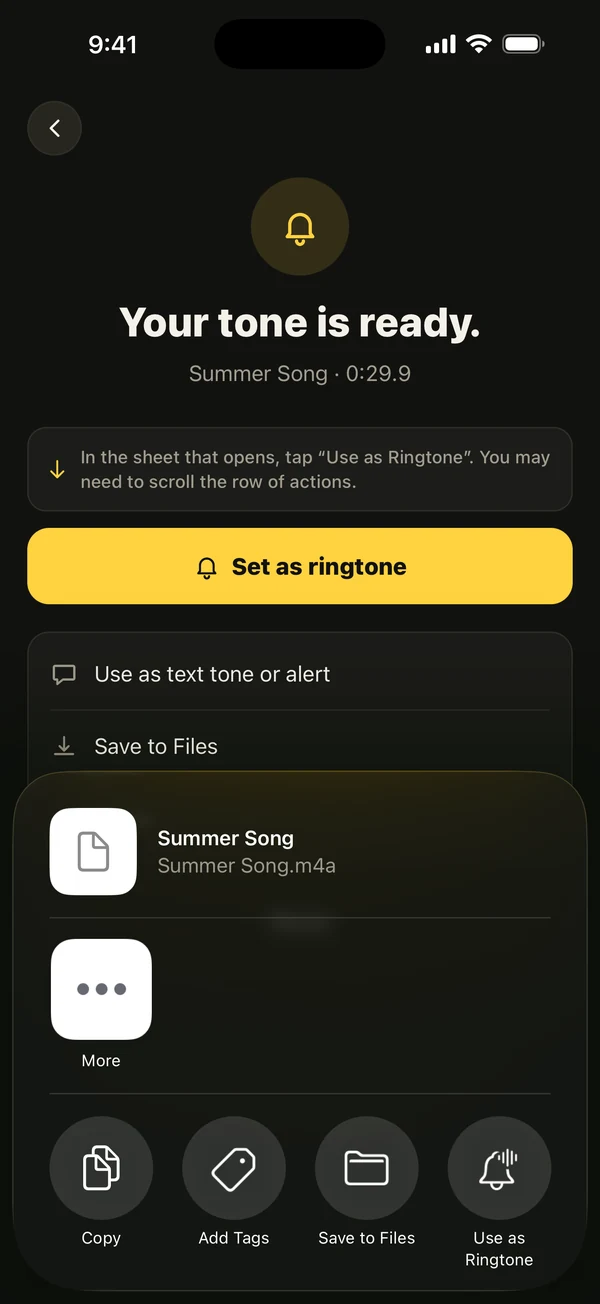
- No built-in “None” ringtone for a contact that we could find.
- Focus › People › Silence Notifications From silences one person, while that Focus is on.
- A silent tone set on their card silences them all the time.
- Vibration › None removes the buzz.
- Silenced calls still show in Recents and can reach voicemail.
Frequently asked questions
- Can I set no ringtone for one contact on iPhone?
- We could not find a None option in the contact’s Ringtone list. Use a Focus that silences that person, or set a silent tone as their ringtone.
- Will the person know I silenced their calls?
- The call goes through as normal for them and it can still go to voicemail; it just makes no sound on your phone. A Focus can show a status to people who message you, depending on your Focus Status setting, so check that if it matters.
- Is silencing someone the same as blocking them?
- No. A silenced contact still shows in Recents and can leave a voicemail. Blocking is a separate step in the contact’s card.
- Can Ringsy make a silent ringtone?
- Ringsy has no silent-tone option and is made for tones you can hear, so we do not recommend it for this. Use a Focus, or a silent file added the way any custom ringtone is.