Can you set one ringtone for a group of contacts on iPhone?
Published October 28, 2026 · 5 min read
We could not find a way to give a whole contact group, such as Family or Work, one ringtone on iPhone. The Ringtone setting lives on each person’s card in Contacts, so the practical answer is to pick one tone and assign it to each person once.
This guide shows how to do that quickly, how to keep the tone from silently falling back to the default, and which tricks people suggest that do not actually change a ringtone.
Why isn’t there a group ringtone?
In Contacts, Ringtone and Text Tone are fields of a single contact: open a person, tap Edit, and you will find them there. The Lists (groups) screen only organises people; we could not find a ringtone option on it, and Apple’s support pages describe setting the ringtone per contact.
Things that look similar but do not set a sound: a Focus can allow calls from a group, which decides whether the phone rings, not which tone plays. Muting a group chat in Messages silences its alerts, not changes them.
Menus can change between iOS versions, so if a newer iOS adds a group option, use it. Until then, the per-contact route below works on every version.
How do I give everyone in a group the same ringtone?
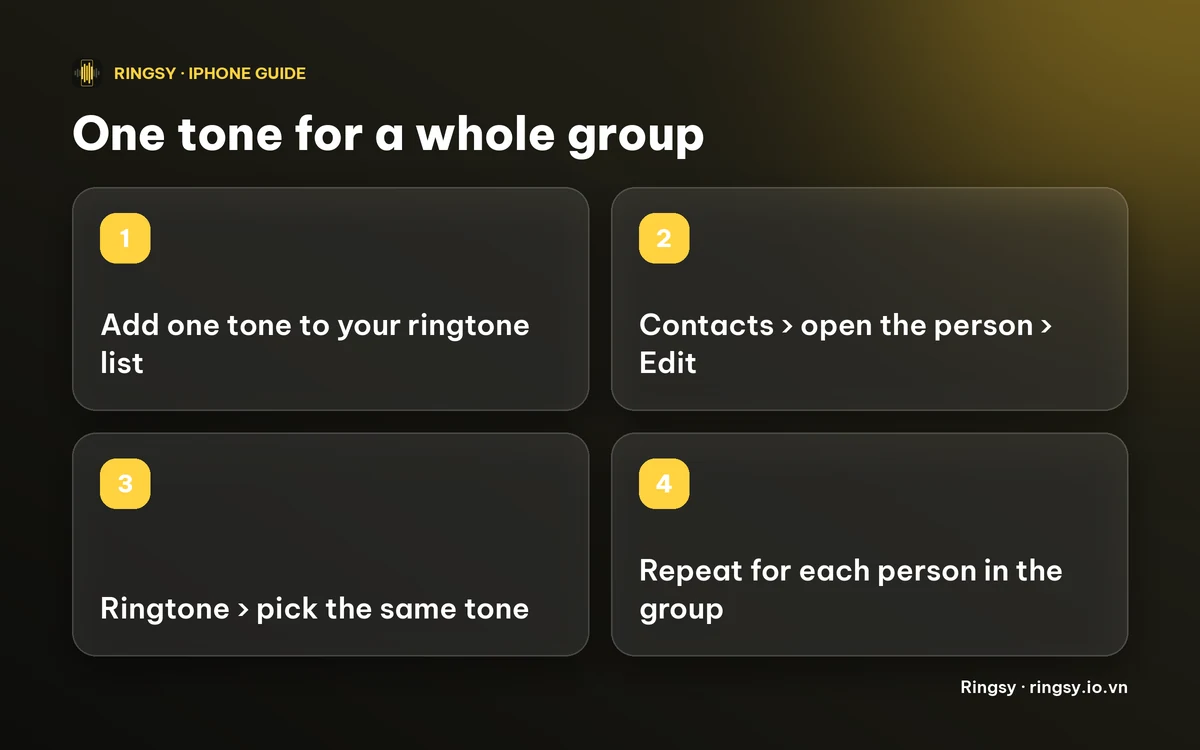
- 1Choose or make one tone and add it to your iPhone’s ringtone list. It must be under 30 seconds; the guides below cover the steps.
- 2Open Contacts and tap the first person.
- 3Tap Edit, then Ringtone, and pick the tone. It is listed under Ringtones.
- 4Tap Done twice.
- 5Repeat for each person in the group. Each card takes about 15 seconds, so a family of six is a few minutes of work.
You only do this once. After that, anyone calling from a saved number rings with the group’s tone, while everyone else keeps your default.
How do I stop the tone from reverting?
- Do not delete the tone. If you remove it from your ringtone list, contacts that used it fall back to the default and you must pick a tone again for each. Our guide on deleting a custom ringtone explains what happens.
- Name it clearly, for example “Family ring”, so you do not remove it by mistake while tidying.
- Add every number. The ringtone is set on the card, so a second number saved on the same card is covered, but a different card for the same person is not. Merge duplicates.
- Changing the group’s tone later means repeating the steps for each person, so choose one you will still like in a year.
Can I give each person in the group a different sound that still feels like a set?
Yes, and for a family it can be more useful than one shared tone, because you hear who is calling. A simple pattern: one short melody for the group, then each person’s name spoken at the start.
Our guide to making your iPhone announce who’s calling shows how to make a ringtone that says a name, and the contact steps are the same as above.
How Ringsy fits in
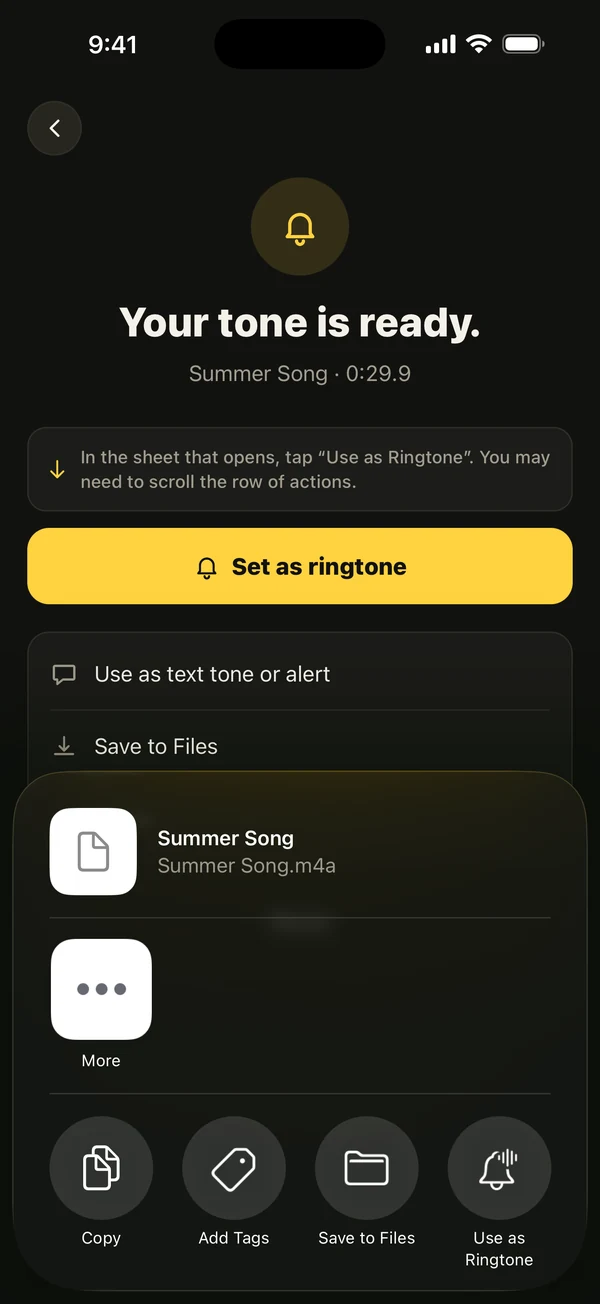
Ringsy does not assign ringtones to contacts, and iOS does not let any app do that; the last step is always yours, in Contacts. What it does is make the tone. Pick a song file, a video’s soundtrack or a recording, trim it on the waveform and tap “Save & set as ringtone”, which on iOS 26 opens the share sheet with “Use as Ringtone”. On iOS 17–18 it walks you through GarageBand.
For a set of people, Ringsy’s Caller ringtones can make a named ringtone for up to 10 contacts at once, then lists the contacts so you can tick them off as you set each one. The Contacts picker hands Ringsy only the names you tap, and the app never asks for access to your contacts. Making the whole batch is part of Ringsy Unlimited, a one-time purchase with no subscription; a single tone is available on the free plan, which includes two exported ringtones.
Quick facts
- Ringtone and Text Tone are set per contact, in Contacts › Edit.
- To cover a group, assign the same tone to each person once.
- A tone must be under 30 seconds and in your ringtone list first.
- Deleting the tone sends those contacts back to the default.
Frequently asked questions
- Can I set a ringtone for a contact group on iPhone?
- We could not find a group-level ringtone setting. Ringtone is set on each contact’s card, so give the same tone to each person in the group.
- Can I set a ringtone for a group chat?
- Messages lets you mute a conversation, but we found no setting that gives one group chat its own sound. Text Tone is set per contact or as the default for all messages.
- What happens if I delete the tone I assigned to a group?
- Contacts that used it fall back to your default ringtone, and you pick a new tone for each person.
- Does Ringsy assign the ringtone to my contacts?
- No. iOS does not let any app do that. Ringsy makes the tone and adds it to your iPhone; you pick it in Contacts yourself.