Custom ringtone not showing up on iPhone? How to fix it
Published October 1, 2026 · 7 min read
A custom ringtone usually fails to appear because the file is 30 seconds or longer, is copy-protected, or was exported as a song instead of a ringtone. Trim it under 30 seconds, use a plain audio file you own, set it again, then close and reopen Settings › Sounds & Haptics › Ringtone. The sections below cover each cause and the less common ones.
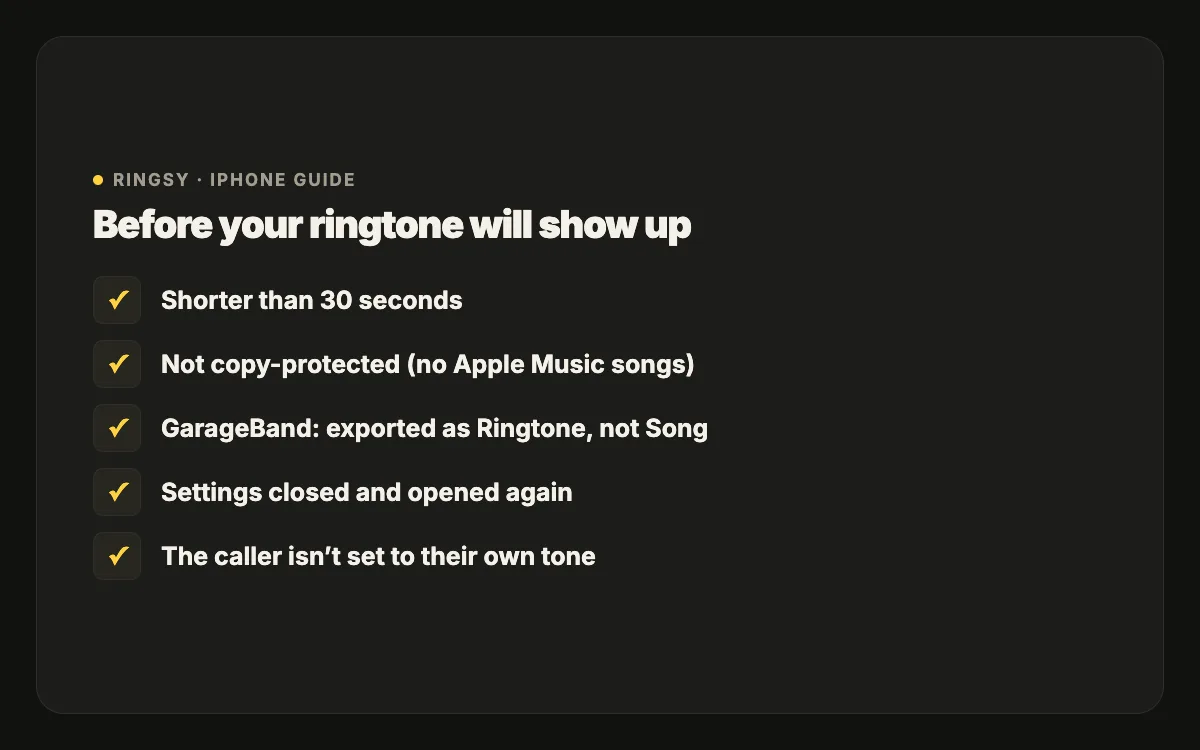
Work through them in order: the first three account for most cases, and each check takes under a minute.
Is the sound 30 seconds or longer?
iPhone ringtones must be shorter than 30 seconds. A longer file is either refused or never offered as a ringtone, often without any error message.
- Check the length in the Files app (touch and hold the file › Get Info) or in the editor you used.
- Trim to 29 seconds or less and set it again. Shorter is fine; most calls are answered in a few rings.
- Older computer-based methods are said to have accepted up to about 40 seconds for some tone types, but staying under 30 seconds avoids the question entirely.
Is the file copy-protected?
Songs from Apple Music, Spotify and other streaming apps are protected (DRM). They play inside the app that streams them, but they are not files you can use, so no ringtone maker can export them. Older iTunes purchases may also be protected.
Use a file you actually have: an MP3 or M4A you downloaded or bought as a plain file, a recording, the sound of a video you filmed, or a sound you made. If a file plays in the Files app with Quick Look, it is a normal file.
Why is “Use as Ringtone” missing from the share sheet?
- Your iPhone is on iOS 17 or 18. The action arrived in iOS 26; on earlier versions use GarageBand (see our guide to making a ringtone without a computer).
- The file is too long. Trim it under 30 seconds.
- The action is hidden in the row. Scroll the actions sideways, or tap More and turn it on in Edit Actions.
- The format is unusual. Convert it to M4A or MP3 and try again.
- You are sharing a video, not an audio file. Extract the sound first.
Did GarageBand export it as a song instead of a ringtone?
On iOS 17–18 the export type matters. Exporting a project as a song creates an audio file, not a ringtone.
- 1In GarageBand, open My Songs.
- 2Touch and hold the project and tap Share.
- 3Choose Ringtone — not Song — name it and tap Export.
- 4If GarageBand says the ringtone is too long, tap Continue: it trims to 30 seconds. It is better to trim it yourself so it ends cleanly.
- 5Tap “Use sound as…” and choose Standard Ringtone.
It was added, but the Settings list does not show it
- Close Settings completely: swipe up from the bottom, pause, then swipe the Settings card away. Reopen Sounds & Haptics › Ringtone. Custom tones are listed at the top, above the built-in ones.
- Restart the iPhone if it still is not there.
- If you added the tone from a computer, check that the sync finished and that the file had the .m4r extension (not .m4a or .m4r.m4a).
Why is the ringtone too quiet or starting in the wrong place?
- Too quiet: recordings and video audio are often far quieter than music. Raise or normalise the volume before exporting, and pick a part where one sound dominates.
- Wrong start: a ringtone always plays from second zero of the file. Trim so the recognisable moment is right at the start.
- Clicks at the start or end: add a short fade in and fade out.
It is set, but a call still plays a different sound
- A contact has its own ringtone. Open the contact › Edit › Ringtone; that setting overrides the default for that person.
- Silent mode is on. The phone vibrates instead of ringing. Check the switch or the Action button.
- A Focus is active. It may silence calls from people not on its allowed list.
- Calls through WhatsApp, Zalo or Messenger use that app’s own sound, not your iPhone ringtone.
How do you remove a custom ringtone?
Open Settings › Sounds & Haptics › Ringtone and swipe left on the custom tone, then tap Delete. A tone added through a computer may need to be removed from the device’s Tones in Finder or iTunes as well.
Quick checklist
- 1Shorter than 30 seconds?
- 2A plain file you own, not a streaming song?
- 3iOS 26 for “Use as Ringtone”, otherwise GarageBand › Share › Ringtone?
- 4Settings closed and reopened, phone restarted?
- 5No contact-specific ringtone, Silent mode or Focus overriding it?
Where Ringsy helps
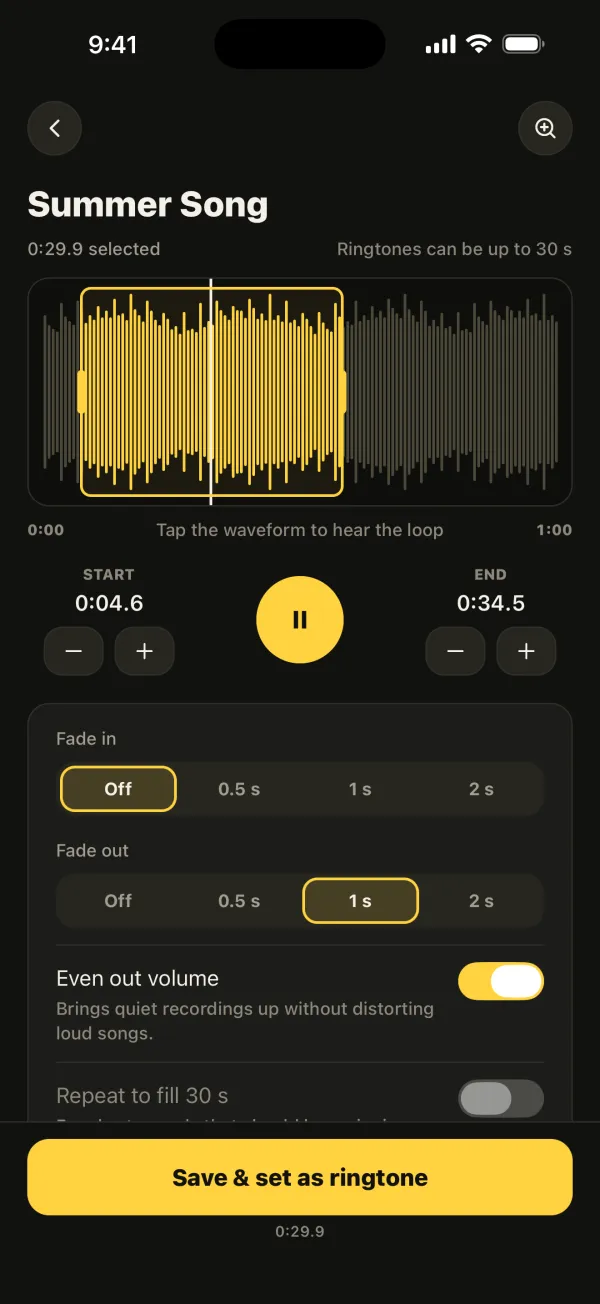
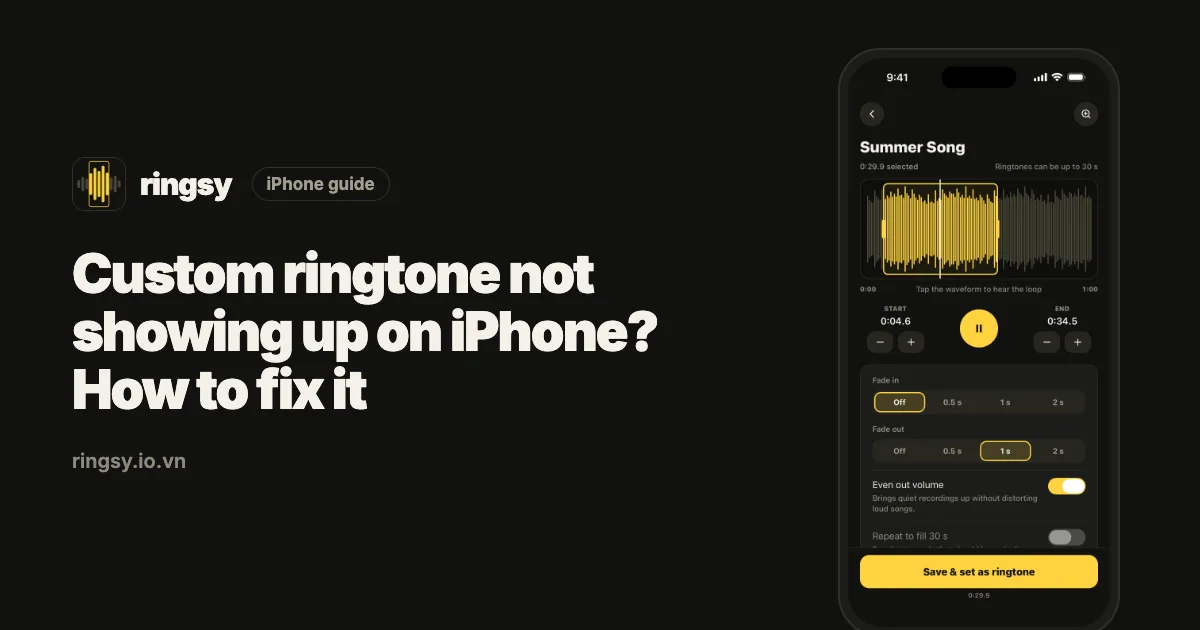
Most of these problems come from preparing the file. Ringsy, our ringtone maker, caps a selection at 29.9 seconds so it can never be too long, evens out the volume by default, adds fades, and opens files from Files, videos from Photos or new recordings — all processed on your iPhone. “Save & set as ringtone” uses “Use as Ringtone” on iOS 26 and walks you through the GarageBand export on iOS 17–18, with an .m4r file as well. It cannot unlock streaming songs: no app can.