Can you set a custom ringtone on an iPad? What it rings for and how to add one
Published November 10, 2026 · 5 min read
Yes, with one catch. An iPad has its own ringtone, and you can choose it and add your own, but it only rings for calls that reach the iPad itself, mainly FaceTime. It does not change what your iPhone plays, and a tone you made on your iPhone is not on the iPad until you add it there too.
This guide covers what the iPad ringtone is for, where to change it, and two ways to add a custom one. Menu names shift a little between iPadOS versions, so trust the screen in front of you.
1. What does an iPad ringtone ring for?
- FaceTime calls that come in on the iPad.
- Phone calls from your iPhone, only if Calls on Other Devices is on (iPhone: Settings › Apps › Phone › Calls on Other Devices, on older iOS Settings › Phone). An iPad has no Phone app, but it can ring and let you answer.
- Not your messages, mail or alarms. Those have their own sounds.
If you want a custom tone for your everyday phone calls, that is set on the iPhone, not here.
2. Change the ringtone on the iPad
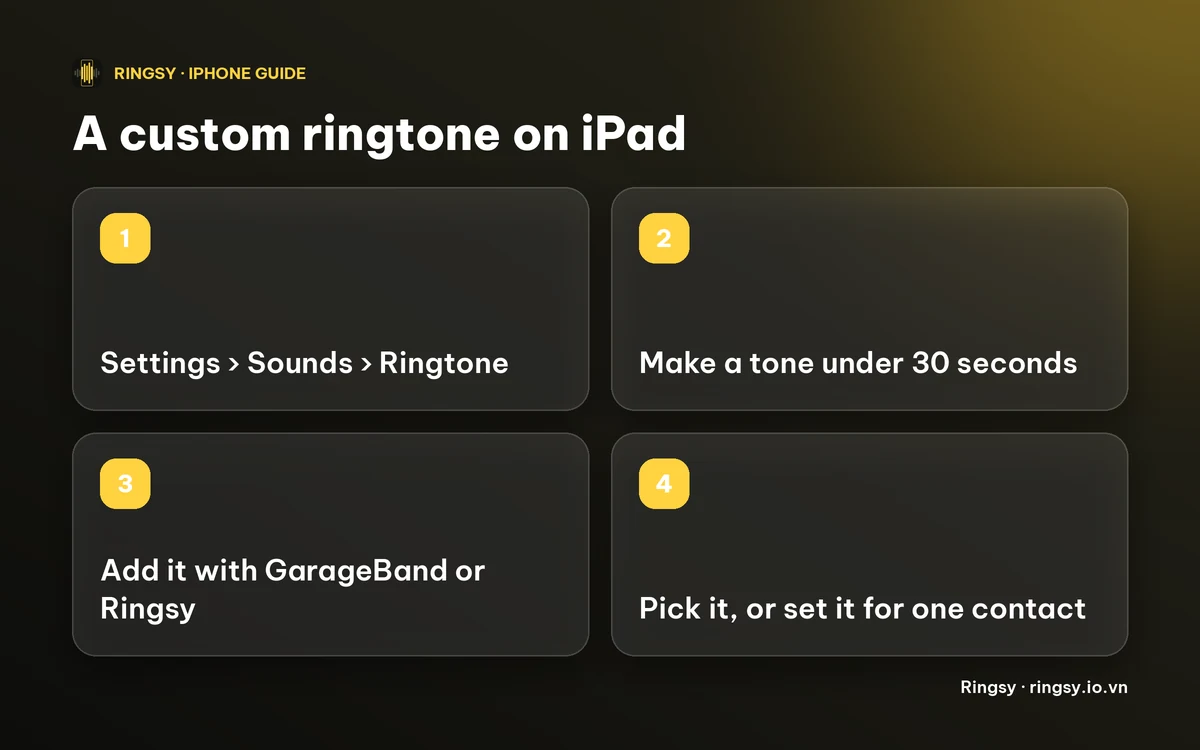
- 1Open Settings › Sounds. On some versions it is called Sounds & Haptics.
- 2Tap Ringtone.
- 3Tap a tone to hear it and leave it ticked. Tones you added yourself appear at the top, under Ringtones.
To give one person a different ring, open Contacts, pick the person, tap Edit, then Ringtone. Our guide to a ringtone for one contact has the details; the screens match, minus the Phone app.
3. Add your own tone
A custom tone has to be shorter than 30 seconds and in your ringtone list before you can pick it.
- With GarageBand: Apple’s free GarageBand app runs on iPad. Import your audio file, then share the project as a Ringtone, the same route as on iPhone. The layout is bigger and a few buttons sit in different places.
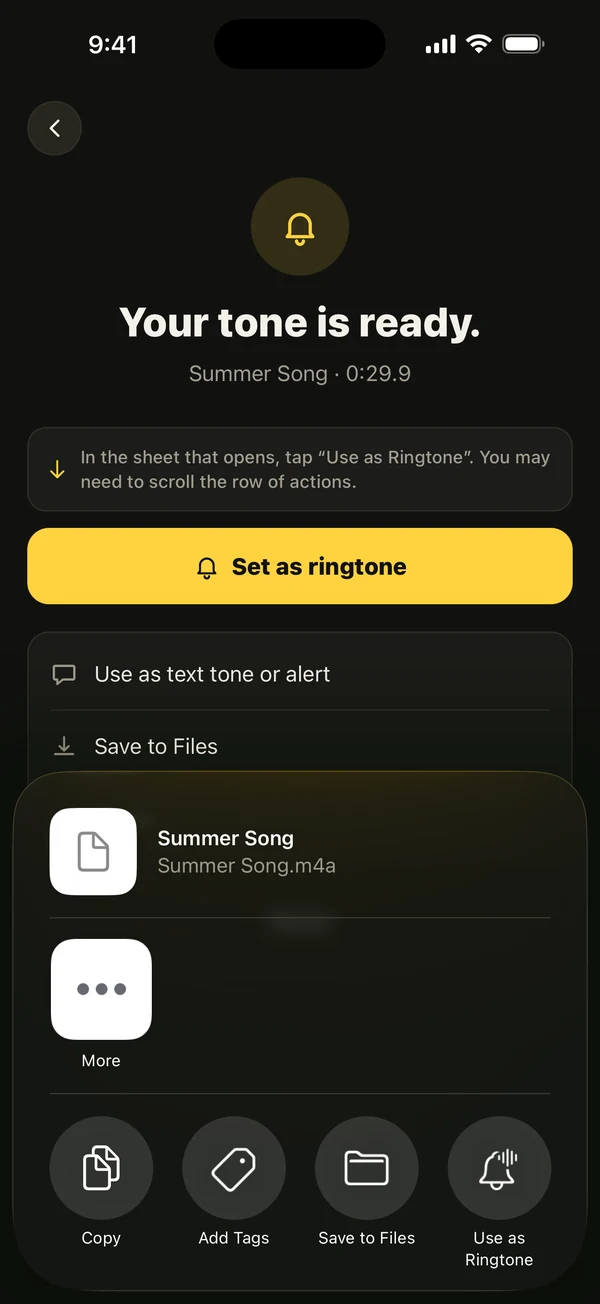
- With the share sheet: on iOS 26 the share sheet offers Use as Ringtone for an audio file under 30 seconds. We have not confirmed that it appears on every iPad, so if you do not see it, use GarageBand.
Our guide to the 30-second limit explains what happens to a longer file.
4. Why is my iPhone tone missing on the iPad?
A custom ringtone lives on the device you added it to. It does not copy itself to the iPad, and the ringtone list on each device is separate. Add the same file to the iPad the way you did on the iPhone, and set it there.
Keep the audio file in iCloud Drive or Files so you can add it on any device. Our guide to keeping tones on a new phone covers this.
5. If the iPad does not ring
- The ringer volume is separate from media volume. Check Settings › Sounds.
- A Focus or Do Not Disturb can hold the call back.
- If it is a call forwarded from your iPhone, check Calls on Other Devices on the iPhone and that both are signed in to the same Apple Account.
Where Ringsy helps
Ringsy, our ringtone maker, runs on iPad with a layout for the larger screen: the new-ringtone cards on one side and your library of tones on the other. You can trim a song, a recording or a video’s sound, fade it, and hear it before you set it. When you export on an iPad, Ringsy says plainly that a ringtone made there rings for calls that come in on that iPad, like FaceTime, and does not change your iPhone’s ringtone.
How you then get the tone into the iPad’s list depends on the iPadOS version: on iOS 26 and later Ringsy opens the share sheet, and before that it shows the GarageBand steps and lets you save the file to Files. Sounds are processed on the device and never uploaded. Two exports are free; Ringsy Unlimited is a one-time purchase with no subscription.
Quick facts
- Settings › Sounds › Ringtone on the iPad.
- It rings for FaceTime and, if Calls on Other Devices is on, for iPhone calls.
- Under 30 seconds, added with GarageBand or Use as Ringtone.
- A tone from the iPhone must be added to the iPad separately.
Frequently asked questions
- Can I change the ringtone on my iPad?
- Yes. Open Settings › Sounds › Ringtone (it can be called Sounds & Haptics on some versions) and pick a tone. It rings for calls that reach the iPad, such as FaceTime.
- Does a ringtone I set on my iPad change my iPhone?
- No. Each device has its own ringtone list and settings. Set the ringtone for phone calls on the iPhone.
- How do I add a custom ringtone to an iPad?
- Make a sound under 30 seconds, then add it with Apple’s GarageBand app, or with Use as Ringtone in the share sheet if your iPad offers it.
- Does Ringsy work on iPad?
- Yes, Ringsy runs on iPad. Sounds stay on the device. Two exports are free, then Ringsy Unlimited is a one-time purchase.