How to make your iPhone alarm start quiet and get louder gradually
Published October 26, 2026 · 5 min read
As far as Apple documents it, a standard iPhone alarm has no setting that makes it start quiet and grow louder: it plays at the volume you set from the first second. To get a gradual wake-up you either pick a sound that is itself soft at the start, or use an app that bakes the rise into the sound.
This guide covers what the Clock app does and does not offer, why a custom ringtone does not fade in on its own, and the options that do work, including how Ringsy’s Gentle wake does it.
Can the Clock app raise the alarm volume gradually?
Apple’s help pages describe choosing a sound and a volume for an alarm, and a wake-up alarm tied to a Sleep schedule has its own sound and volume controls too. We could not find a documented option to ramp the volume up over time, so do not count on one. Menu names and options change between iOS versions, so check on your own phone.
A practical test: set an alarm for two minutes from now, leave the phone across the room and listen to the first ten seconds.
Why doesn’t a quiet-start ringtone fade in by itself?
An alarm plays the file as it is. If you want it to start soft and grow, the growth has to be in the audio itself. A song with a quiet intro does this by accident; a loud ringtone does not.
A fade-in added in an editor can do it on purpose, but a fade of one or two seconds is a click remover, not a wake-up ramp. A ramp that takes 20 or 30 seconds needs a tool built for it. Alarm sounds are limited to about 30 seconds, so even then the rise cannot be longer than that.
Which options really give a gradual wake-up?
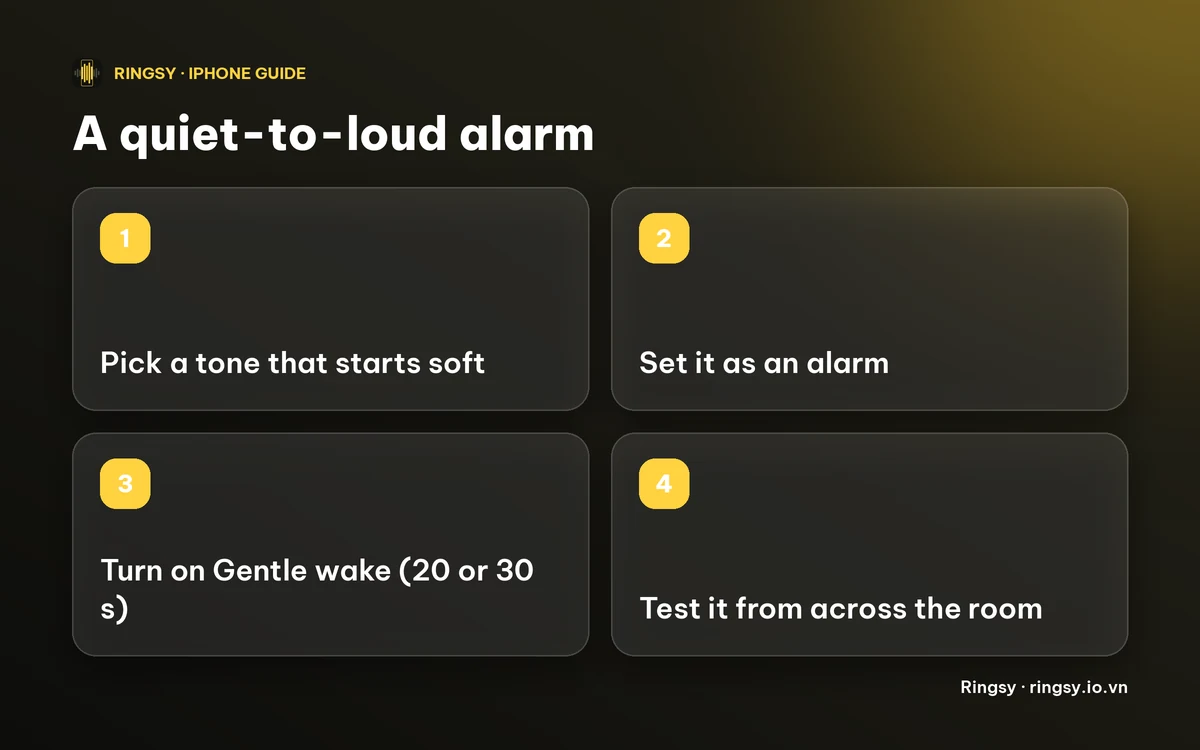
- 1Pick a sound that begins softly. Under Clock › Alarms › Sound, listen to each tone and keep one that starts gently. Some songs from your library open quietly too, but download the song first so it can play offline.
- 2Make your own quiet-start tone. Trim a clip that starts soft, then add it as a ringtone (Use as Ringtone on iOS 26, GarageBand on iOS 17 and 18) and pick it in the alarm’s Sound list. Our guide to changing the alarm sound has the steps.
- 3Use an alarm app that ramps the volume. Several third-party alarm apps do; check what they cost and whether they ring in Silent mode.
- 4On iOS 26 or later, set a tone as an alarm from Ringsy with Gentle wake, described below.
How does Gentle wake work in Ringsy?
On iOS 26 or later, Ringsy can set a tone as a real alarm using Apple’s alarm framework, with a time, repeat days, a label and Snooze. Open a tone’s menu, choose Set as alarm, then switch on Gentle wake and pick 20 or 30 seconds. The first time, iOS asks you to let Ringsy schedule alarms.
Ringsy renders the rise into the sound itself, starting about 30 dB quieter than the end of the ramp, so the alarm begins quiet and reaches full level. Because an alarm sound lasts at most about 30 seconds, the ramp is 20 or 30 seconds at most. Before iOS 26 this alarm option is not available; the Clock steps above still work.
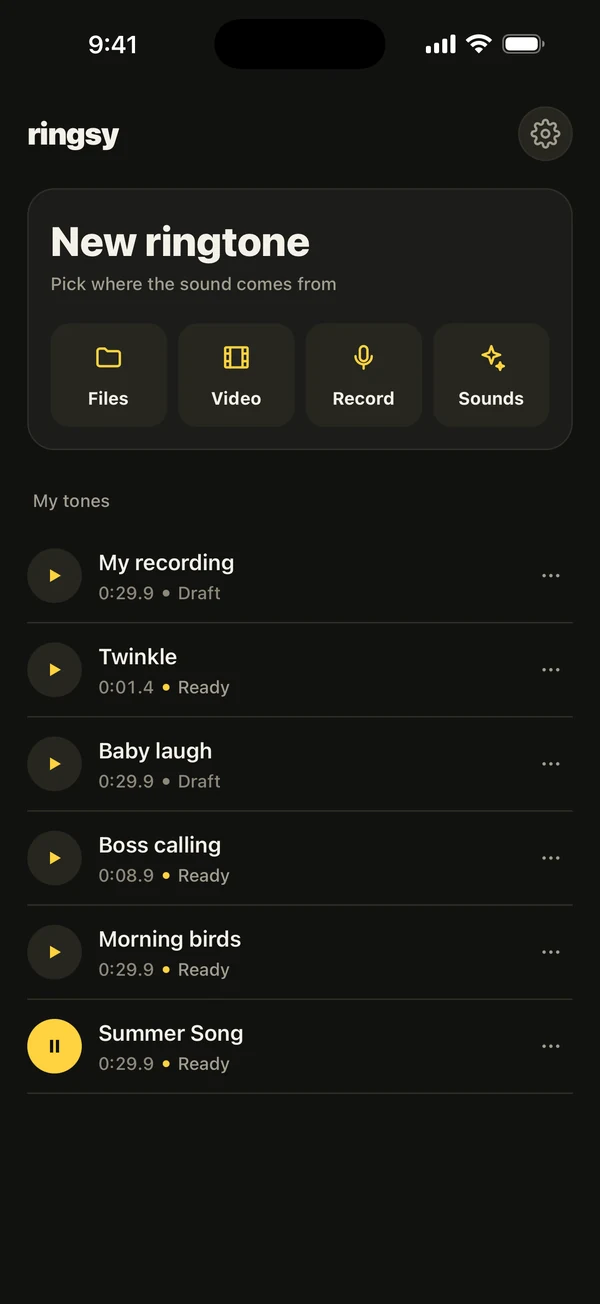
Ringsy’s Sounds also include a Gentle alarms group of built-in tones that start soft and grow, which you can use as a ringtone or alarm sound like any other.
What does it cost?
Making and previewing tones is free, and a tone set as a plain alarm uses one of your two free exports. Gentle wake is part of Ringsy Unlimited, a one-time purchase with no subscription. Sounds are edited on your iPhone and are not uploaded.
Quick facts
- A standard iPhone alarm plays at the volume you set; Apple documents no gradual ramp.
- The rise has to be inside the sound. A 1–2 second fade-in is not a wake-up ramp.
- Alarm sounds last at most about 30 seconds, so a ramp cannot be longer.
- Ringsy’s Gentle wake (iOS 26+, Ringsy Unlimited) offers 20 or 30 seconds.
Frequently asked questions
- Does the iPhone have an alarm that gets louder gradually?
- Apple does not document a setting that ramps the volume of a standard Clock alarm. You can pick a sound that starts soft, make your own, or use an app that builds the rise into the sound.
- How do I make my iPhone alarm start quiet?
- Choose a tone or song that begins softly, or make a tone that starts quiet and add it as a ringtone. On iOS 26 or later, Ringsy’s Gentle wake adds a 20 or 30 second rise to a tone set as an alarm.
- How long can a gradual alarm ramp be?
- About 30 seconds at most, because an alarm sound is limited to roughly that length. Ringsy offers 20 or 30 seconds.
- Is Gentle wake free in Ringsy?
- No. You can try and preview tones for free, but Gentle wake is part of Ringsy Unlimited, a one-time purchase with no subscription.