How to make an iPhone ringtone loop without a click or gap
Published October 11, 2026 · 5 min read
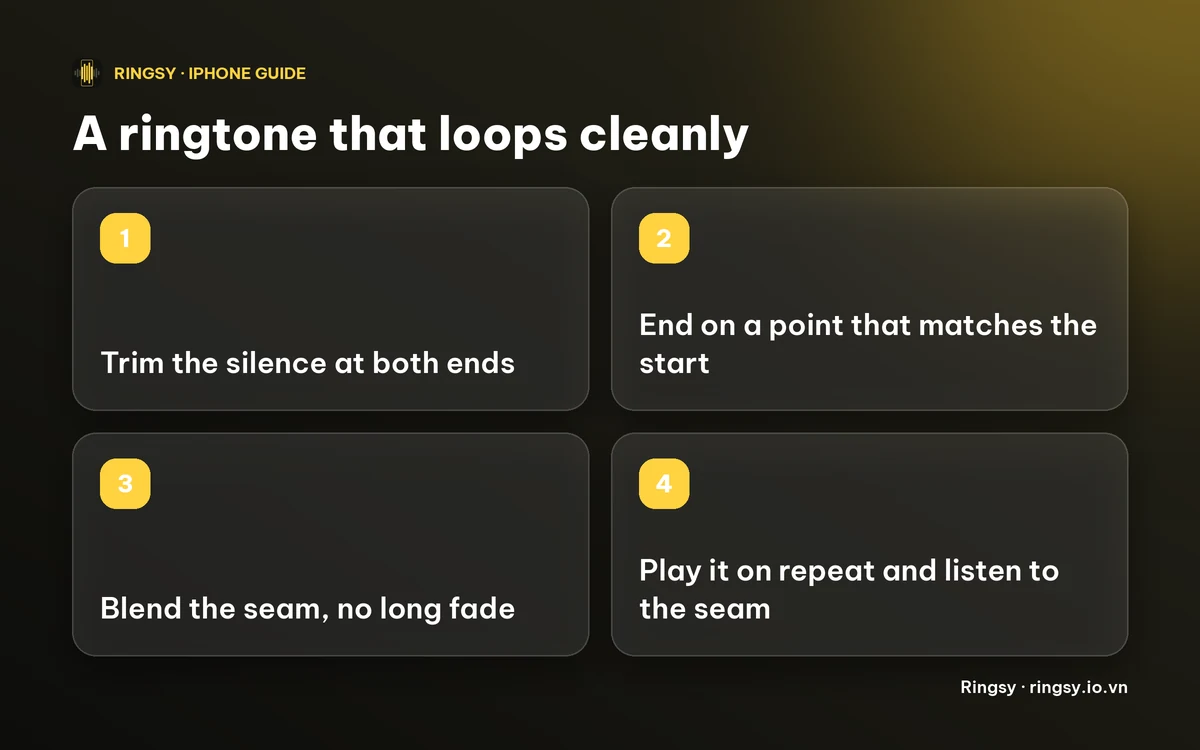
A ringtone that clicks, jumps or goes quiet each time it repeats almost always has a bad seam: the end of the clip doesn't match its start. The fix is to trim off any silence, end the clip at a point that sounds like its beginning, and blend the join. You can do that by ear in any editor, or let Ringsy find the point for you.
Below: why it happens, a do-it-yourself method that works with any audio editor, and how Ringsy's Smooth loop does it automatically.
Why does my ringtone click or jump when it repeats?
An iPhone ringtone has to be under 30 seconds, and the phone plays it again from the start for as long as it rings. Whatever is at the very end of your clip is therefore followed immediately by whatever is at the very start. Three things go wrong at that seam:
- The end is cut mid-sound. The waveform jumps from one level to another in an instant, which you hear as a click or pop.
- The clip has silence at the end (or the start). That becomes a hole in the ringtone each time round, which feels like a gap or a late start.
- The end doesn't match the start musically. A song cut off half a beat late repeats with a stumble, even without a click.
How do I fix it by hand?
Any editor that shows a waveform can do this; the Voice Memos trim handles and GarageBand both work. The idea is the same:
- 1Trim the silence. Start the clip on the first audible moment and end it right after the last, so no quiet stretch repeats.
- 2Choose an end that matches the start. If the music has a steady beat, end on the beat just before where the clip began (one or more whole bars). If it is an ambient sound, end where the sound looks similar to the start.
- 3Zoom in on the very end and keep the cut where the waveform is close to the centre line rather than at a peak. A cut at a peak is what makes a pop.
- 4Add a very short fade, or crossfade the end into the start, if your editor can. A fade of half a second or more would be heard as the sound dipping at every repeat, so for a seamless loop keep it tiny or skip it.
- 5Test it on repeat before you set it. Play the clip looping and listen to the seam, not the middle.
How does Ringsy's Smooth loop do it?
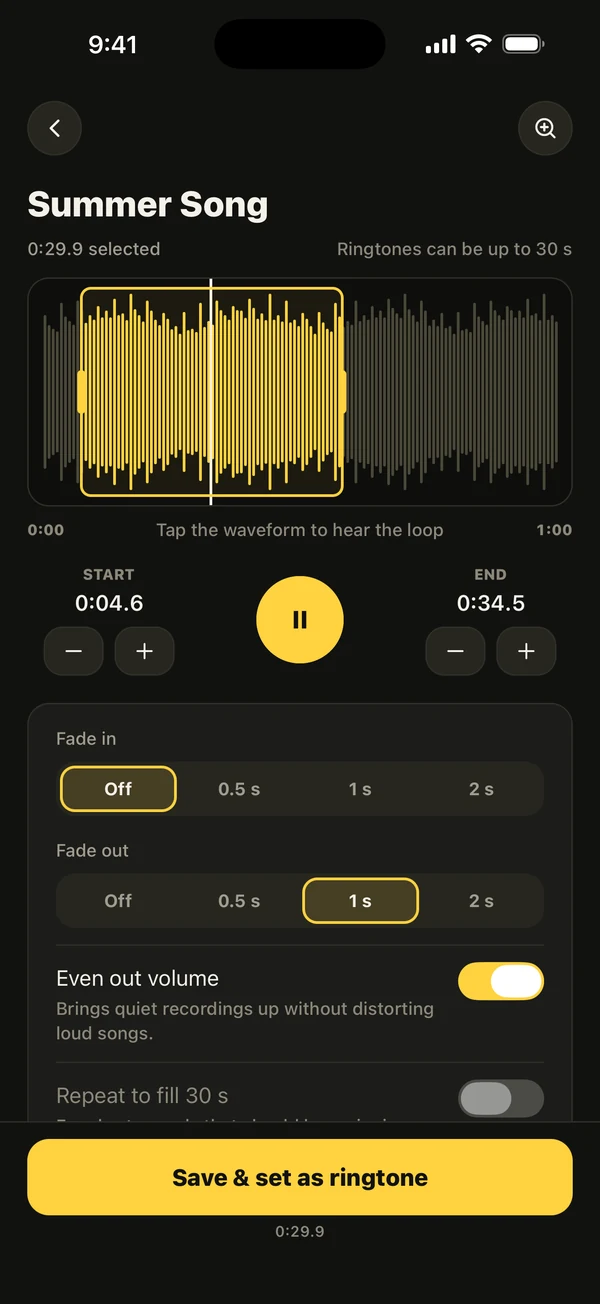
In Ringsy's editor, choose a sound and select the part you want, then open the Loop tool and tap Smooth loop. Ringsy listens around the end you chose for the spot where the sound matches its start, on the beat when there is a steady one, and moves the end handle there. It then crossfades the seam (a 50 ms equal-power blend) so the repeat doesn't click.
- “Play the loop” plays the result over and over, the way the iPhone repeats a ringtone, so you can hear the seam before you set anything.
- If there is no steady beat, Ringsy says so and matches the sound itself instead. If the end you chose already loops cleanly, it keeps it.
- Fades are turned off while Smooth loop is on, because they would dent the seam. Trimming the selection turns Smooth loop off, so run it last.
- It can't run with a joined sound, or with the Echo or Hall effects, which add a tail that can't loop. It needs a selection of at least half a second.
What does it cost?
Trying and previewing Smooth loop is free. Exporting the tone follows Ringsy's normal rule: the first two exported tones are free, after that Smooth loop is part of Ringsy Unlimited, a one-time purchase with no subscription. Sounds are edited on your iPhone and are not uploaded.
Quick facts
- A ringtone repeats from its start, so the end must flow into the start.
- Silence, a cut at a waveform peak, or an off-beat end causes the gap, click or stumble.
- Keep ringtones under 30 seconds; Ringsy caps the selection at 29.9.
- Smooth loop works on the beat when it finds one, crossfades the seam and plays it back looping before you set it.
Frequently asked questions
- Why does my custom ringtone click when it repeats?
- Because the end of the clip doesn't line up with its start. The ringtone replays from the beginning right after the last sample, so a cut in the middle of a sound, or at a waveform peak, is heard as a click.
- How do I remove the gap in my iPhone ringtone?
- Trim any silence from the start and end of the clip. Silence at the end repeats as a hole every time the ringtone loops.
- Should I add a fade-out to a looping ringtone?
- Usually not. A long fade makes the sound dip at every repeat. A fade suits a ringtone that rings once; for a loop, end on a matching point instead. Ringsy turns fades off while Smooth loop is on.
- Is Smooth loop free in Ringsy?
- You can try and preview it for free. Exporting the tone counts as one of the two free exports, and after that it needs Ringsy Unlimited, a one-time purchase.