How to cancel a ringtone app subscription on iPhone (and stop weekly charges)
Published October 22, 2026 · 5 min read
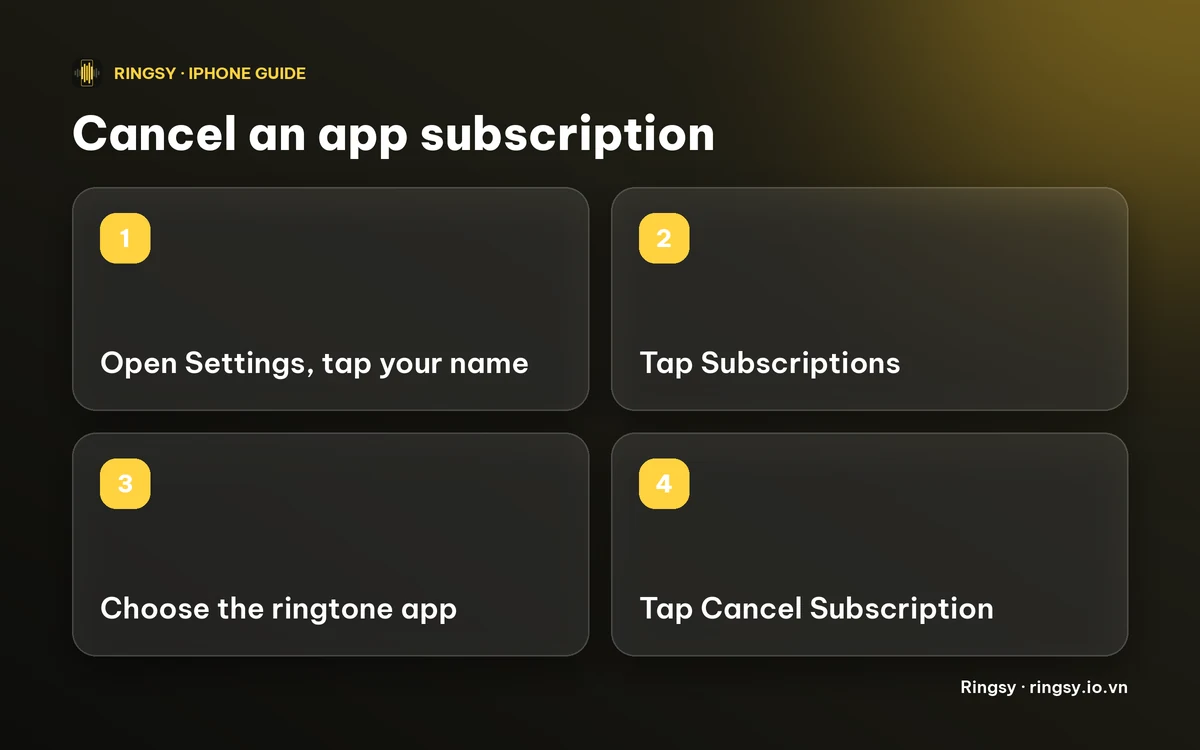
To cancel a ringtone app’s subscription on iPhone, open Settings, tap your name, tap Subscriptions, choose the app and tap Cancel Subscription. Deleting the app does not cancel it: the charges continue until you cancel in your Apple Account.
This guide shows where to find a subscription you have forgotten about, what cancelling does and does not do, how to ask Apple for a refund, and how to get a ringtone made without signing up for anything.
How do I cancel the subscription?
- 1Open Settings and tap your name at the top.
- 2Tap Subscriptions. If you do not see it, the subscription may sit on another Apple Account.
- 3Tap the ringtone app in the list.
- 4Tap Cancel Subscription and confirm.
Menu names can differ a little between iOS versions. You can also open the App Store, tap your profile picture and choose Subscriptions.
If there is no Cancel Subscription button and the page shows an expiry date instead, the subscription is already cancelled and will end on that date.
Does deleting the app cancel it?
No. The subscription belongs to your Apple Account, not to the app on your Home Screen. Deleting the app only removes the icon and its data; Apple keeps billing the subscription until you cancel it in Subscriptions. This is the most common reason people are charged for an app they no longer use.
What happens after I cancel?
Cancelling stops the next charge. It normally does not refund the period you have already paid for, and the app keeps working until that period ends. If the subscription started with a free trial, cancel before the trial ends: after it ends, the first charge has usually been taken.
A weekly subscription renews every seven days, so a cancellation made the day after a renewal still leaves you with a paid week.
I can’t find the subscription
- Check every Apple Account you use. A subscription made with a different Apple Account, or one shared through Family Sharing, shows up there and not in yours.
- Search your email for “Receipt from Apple” or “Your subscription confirmation”. The receipt names the app and the Apple Account it was billed to.
- Look at the charge on your bank statement. Apple charges usually appear as “APPLE.COM/BILL”, and the receipt tells you which app is behind them.
- Ended subscriptions are listed under Expired in the same Subscriptions screen, which helps you confirm that one is really over.
Can I get a refund?
You can ask. Apple handles refunds for App Store purchases, not the app’s developer: go to reportaproblem.apple.com, sign in with the Apple Account that was charged, choose the purchase and say what went wrong. Apple decides each request, so a refund is not guaranteed, and the reason you give matters. Ask promptly, because the longer you wait the harder it is to explain.
How can I make a ringtone without a subscription?
You never need a subscription to make a ringtone. These routes are free or one-time:
- iOS 26 and later: trim the sound to under 30 seconds in any editor, then use Share › Use as Ringtone.
- GarageBand, Apple’s free app: import the file, trim it, then export it as a ringtone. Our comparison of Ringsy and GarageBand covers how it goes.
- A Mac or a Windows PC: convert the file to .m4r and add it with Finder or Apple Devices.
Before you install any ringtone app, read the price on its App Store page and the first screen it shows. “Free trial” followed by a weekly price means a subscription.
Where Ringsy helps
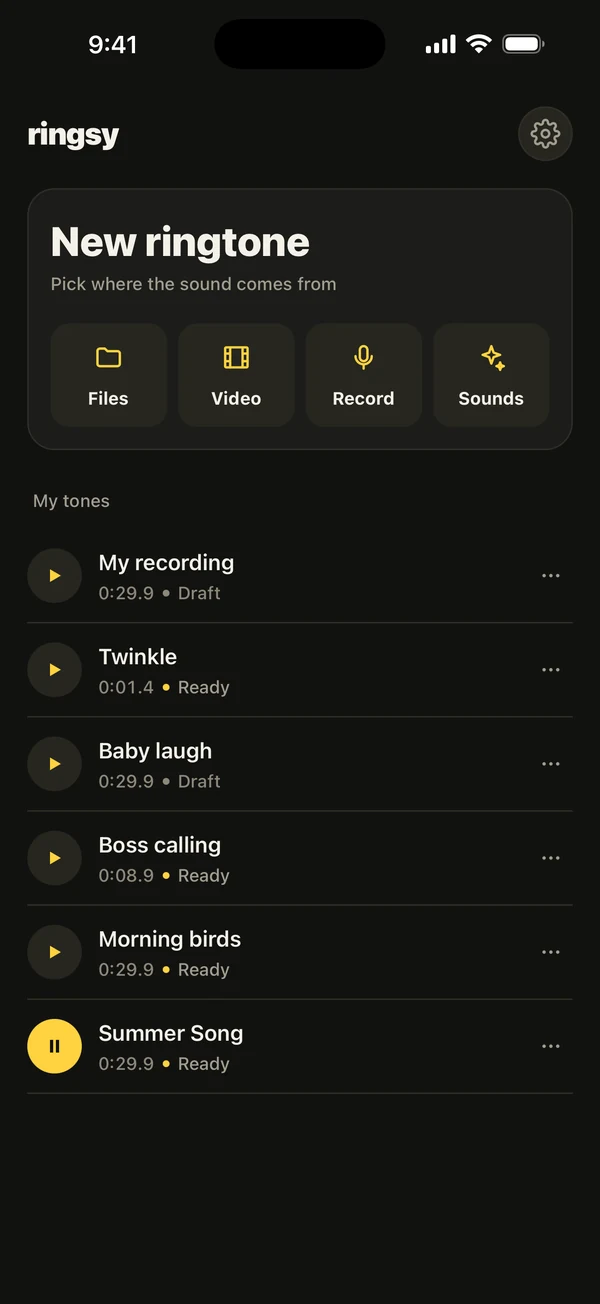
Ringsy, our ringtone maker for iPhone, has no subscription. The first two exported ringtones are free; after that Ringsy Unlimited is a one-time purchase, with no trial that turns into a charge and nothing that renews. Opening a file, trimming it, adding a fade and hearing it are free, and you only meet the question when you export.
If you reinstall Ringsy or change iPhone, open Settings and tap Restore purchase to get Unlimited back on the same Apple Account. Sounds are edited on your iPhone and are not uploaded.
Quick facts
- Cancel in Settings › your name › Subscriptions. Deleting an app does not cancel it.
- Cancelling stops the next charge; you keep access until the paid period ends.
- Refunds are requested from Apple at reportaproblem.apple.com and are not guaranteed.
- Making a ringtone never requires a subscription: iOS 26’s Use as Ringtone and GarageBand are free.
- Ringsy’s Unlimited is a one-time purchase with no subscription, after two free exports.
Frequently asked questions
- How do I cancel a ringtone app subscription on iPhone?
- Open Settings, tap your name, tap Subscriptions, choose the app and tap Cancel Subscription. You can also do it from the App Store through your profile picture.
- Does deleting a ringtone app cancel the subscription?
- No. The subscription is tied to your Apple Account, so it keeps renewing until you cancel it in Subscriptions.
- Can I get my money back for a weekly ringtone subscription?
- You can request a refund from Apple at reportaproblem.apple.com. Apple decides each request, so it is not guaranteed.
- Does Ringsy have a subscription?
- No. The first two exported ringtones are free, and after that Ringsy Unlimited is a one-time purchase that does not renew.