How to make a funny voice ringtone on iPhone
Published October 13, 2026 · 5 min read
A funny voice ringtone is a short recording of someone saying something silly, usually with the pitch, speed or echo changed so it stands out from the stock tones. iPhone has no voice changer of its own, so you need an app that records, changes the voice and exports a ringtone. Ringsy does all three on the phone, and the effects are free to try.
Below: what makes a good funny ringtone, how to record and change the voice in Ringsy, and what to check before you set it.
What makes a funny ringtone work?
A ringtone plays many times a day, often in public, so the joke has to survive repetition and be short. A few things help:
- Keep the line to a few words. “Pick up the phone!” or “Your pizza is calling” is funnier on the tenth ring than a long story.
- Start talking at once. Silence before the first word sounds like a late start, and the line has to repeat cleanly when the phone keeps ringing.
- Speak clearly and a little louder than normal, close to the microphone, in a quiet room. A distant, muffled voice also sounds thin on a phone speaker.
- Pick something you will still like in a month, and check that it suits where you take calls. A loud joke is less funny in a meeting.
How do I record and change my voice in Ringsy?
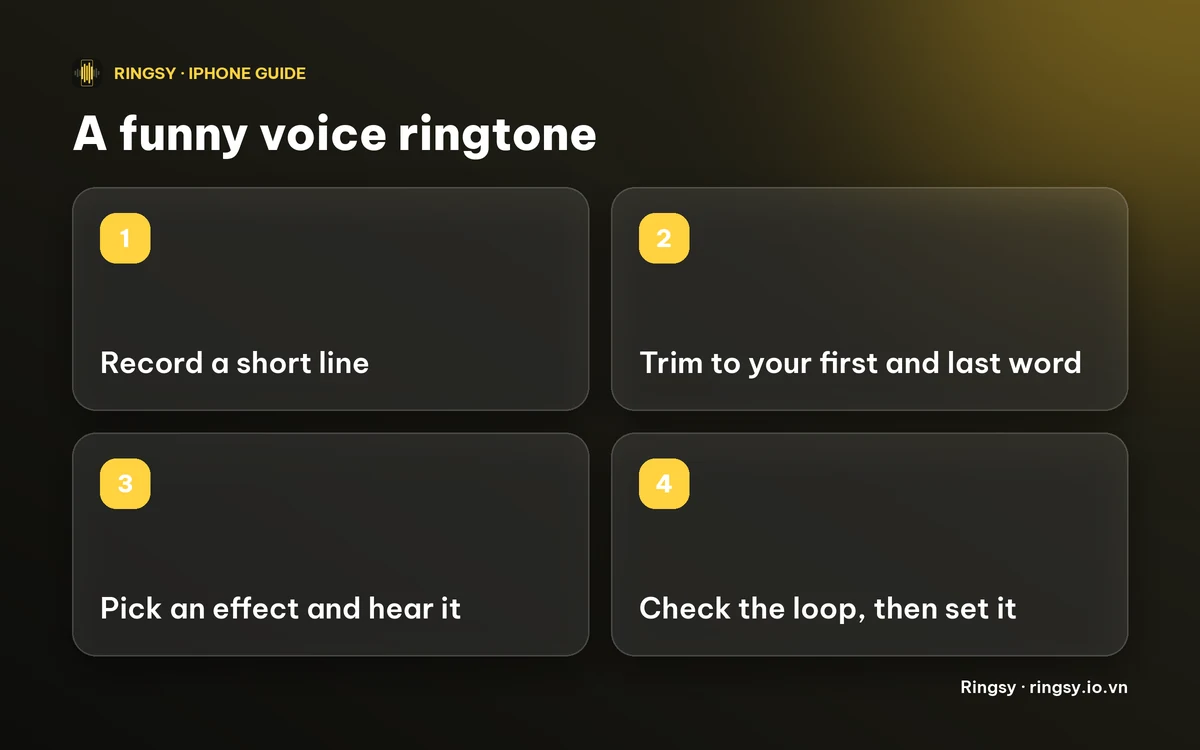
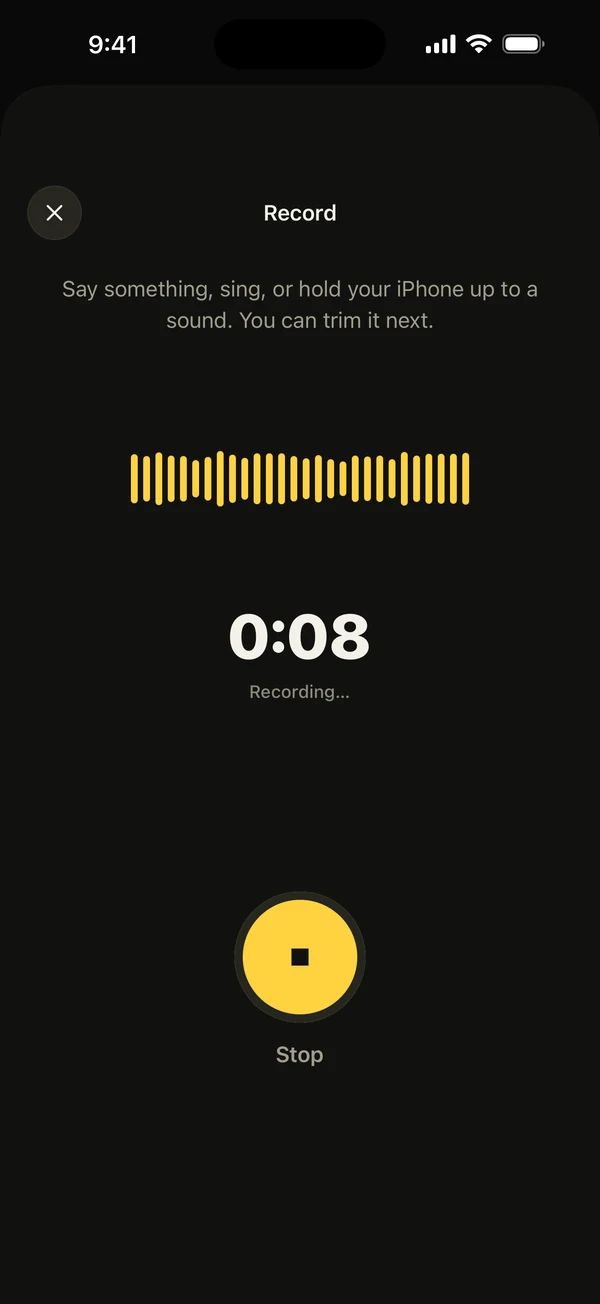
- 1On Home, tap Record. The first time, iOS asks to let Ringsy use the microphone; it is only on while you record.
- 2Say your line, tap Stop, and the recording opens in the editor. Drag the yellow selection so it starts on your first word and ends right after your last.
- 3Tap Effects. Original, Chipmunk, Deep, Fast, Slow, Echo, Hall, Robot and Reverse are listed, and tapping one plays a preview so you can compare them.
- 4Pick one, check the length shown under the main button, then tap Save & set as ringtone.
On iOS 26 and later the share sheet opens and you tap Use as Ringtone. On iOS 17 and 18 Ringsy walks you through the GarageBand steps instead. Menu names can differ a little between iOS versions.
Which effect suits which joke?
- Chipmunk raises the pitch and Deep lowers it, and neither changes the length. Both work best on a voice.
- Fast plays the voice 1.3 times quicker and Slow plays it at 0.8 times, with the pitch kept. Slow makes a line longer and Fast makes it shorter.
- Echo bounces the voice back and Hall puts it in a big room. Both add a tail after the last word, which suits a dramatic line.
- Robot gives a metallic voice, and Reverse plays the clip backwards. Reverse is the hardest to understand, so save it for a joke rather than a ringtone you must recognise at once.
Effects change the length, so the finished tone is cut to 29.9 seconds, just under the 30 seconds iOS allows. If you also join another sound before or after the voice, the effect is applied to your recording, not to the joined sound.
How do I check it before I keep it?
Play the tone in the editor, then use Hear it as a call to hear it looping the way a ringing phone repeats it. A joke that is funny once can be annoying on the third ring, and Hear it as a call shows you that before you set anything. It plays as media, so for how loud it will be at ringer volume, finish with a real call from another phone. The guide on hearing a ringtone before you set it covers both.
What does it cost?
Recording, the voice effects and previewing are free. Setting the tone as a ringtone follows Ringsy's normal rule: the first two exported tones are free, after that it needs Ringsy Unlimited, a one-time purchase with no subscription. The recording is edited on your iPhone and is not uploaded.
Quick facts
- iPhone has no built-in voice changer for ringtones, so record and change the voice in an app.
- Ringsy's effects: Chipmunk, Deep, Fast, Slow, Echo, Hall, Robot and Reverse, each previewed before you pick.
- Keep the line short and start talking immediately, so it repeats well.
- The finished tone is always under 30 seconds.
Frequently asked questions
- Can I change my voice for a ringtone on iPhone?
- Not with anything built into iOS. Record the voice in an app that has effects, such as Ringsy, which can raise or lower the pitch, change the speed, add an echo or play it backwards, then export it as a ringtone.
- How long can a funny voice ringtone be?
- Under 30 seconds. Ringsy keeps the finished tone to 29.9 seconds, even after an effect adds an echo tail or slows the voice down. A few seconds is usually plenty.
- Are the voice effects free in Ringsy?
- Yes, you can record, try every effect and preview for free. Exporting the tone as a ringtone counts as one of the two free exports, and after that it needs Ringsy Unlimited, a one-time purchase.
- Is my voice recording uploaded anywhere?
- No. Ringsy records, edits and renders the sound on your iPhone, and the microphone is only on while you record.