How to hear a ringtone before you set it on iPhone
Published October 12, 2026 · 5 min read
You can hear a custom ringtone on an iPhone before it takes over for good, but the preview you get depends on where you listen. Settings plays the tone for you, though tapping it there also selects it. A real call is the only true test of how loud and how clear it is. Ringsy adds a third option: a full-screen preview that loops your tone the way a ringing phone repeats it.
Below: the three ways to check a ringtone, what each one can and cannot tell you, and what to look for.
Can I preview a ringtone in iPhone Settings?
Yes. Open Settings › Sounds & Haptics › Ringtone. Custom tones that are on the phone are listed in a Ringtones section above the built-in ones. Tap a name and the tone plays.
Tapping also selects it: the tick moves to that tone, and it is now your ringtone. So note which tone had the tick before you start, and tap it again when you are done if you do not want the change. Exact menu names can differ a little between iOS versions.
This preview plays at the ringer volume, so make sure the volume is up and the Silent switch is off before you judge a tone. It plays the tone once from the start, so it cannot tell you how the tone sounds when it repeats.
How do I test it like a real call?
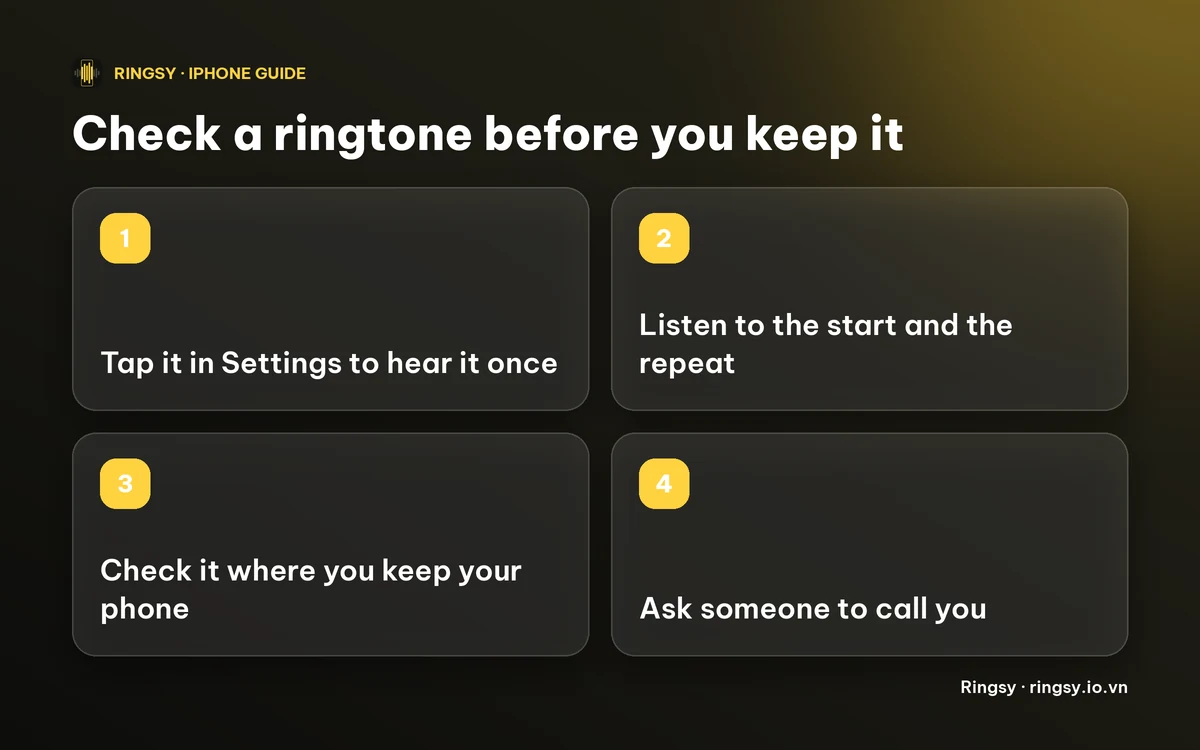
A call from another phone is the most honest check, because it uses the real ringer volume, the real speaker and your real Focus and Silent settings. If you can, set the tone as your ringtone (or for one contact), then ask someone to call you.
- Listen for the start. A tone that begins with half a second of silence sounds late.
- Let it ring for the full length and listen to the repeat. A click or a gap at the join is easiest to hear on the second and third ring.
- Put the phone where you usually keep it, such as a pocket, a bag or a desk across the room, and call again. A thin tone that sounds fine in your hand can disappear there.
How does Ringsy's “Hear it as a call” work?
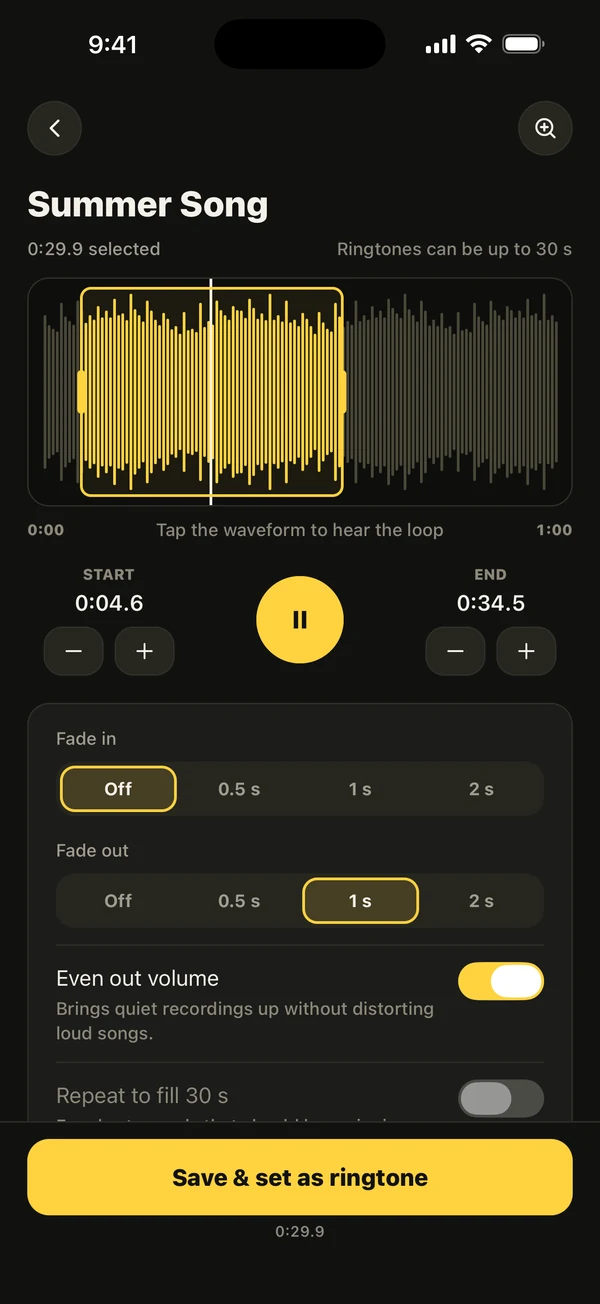
While you are still editing, Ringsy can show a preview that behaves like an incoming call. Tap the phone button next to Save & set as ringtone in the editor, or choose Hear it as a call on the export screen or in a tone's ⋯ menu in your library.
- The tone rings full screen and loops, with a pulse you can feel, the way a ringing phone repeats it. (With Reduce Motion on, the rings are static.)
- It plays what the phone will ring with: the finished tone if it is already exported, otherwise your current edit, including any effect, join or Smooth loop.
- Tap the caller's name (it says “Mom”) to try another one. That is only for the preview and is not saved.
- Silence stops it, Ring again starts it over. The screen is labelled “Ringtone preview”, so it is not mistaken for a real call.
Ringsy plays the preview as media, so it is heard with the Silent switch on and follows the volume buttons, not the ringer volume. Use it to judge the sound, the start and the loop. For how loud the tone will be at ringer volume, finish with the Settings preview or a real call.
What does it cost?
Hearing a tone as a call is free, and so is editing. Setting it as a ringtone follows Ringsy's normal rule: the first two exported tones are free, after that it needs Ringsy Unlimited, a one-time purchase with no subscription. The sound is processed on your iPhone and is not uploaded.
Quick facts
- In Settings › Sounds & Haptics › Ringtone, tapping a tone plays it and selects it.
- The Settings preview plays once; a call (or a looping preview) shows how the repeat sounds.
- Ringsy's Hear it as a call loops the tone and plays as media, so it does not show ringer loudness.
- The only full test is a real call at your usual distance.
Frequently asked questions
- Can I preview an iPhone ringtone without setting it?
- Not in Settings: tapping a tone there plays it and also selects it. You can tap your old tone again afterwards. Ringsy's Hear it as a call previews the tone without changing your ringtone.
- How can I tell if my custom ringtone is loud enough?
- Call yourself from another phone at your usual distance. The ringer volume, not the media volume, decides how loud a call is. If the tone is too quiet, see the guide on making an iPhone ringtone louder.
- Does Ringsy's preview use the ringer volume?
- No. It plays as media, so it is heard even with the Silent switch on and follows the volume buttons. Use it for the sound and the loop, and a real call for loudness.
- Is Hear it as a call free?
- Yes, previewing is free. Setting the tone as a ringtone counts as one of the two free exports, after which it needs Ringsy Unlimited, a one-time purchase.