Can you rename a custom ringtone on iPhone? What to do instead
Published November 7, 2026 · 5 min read
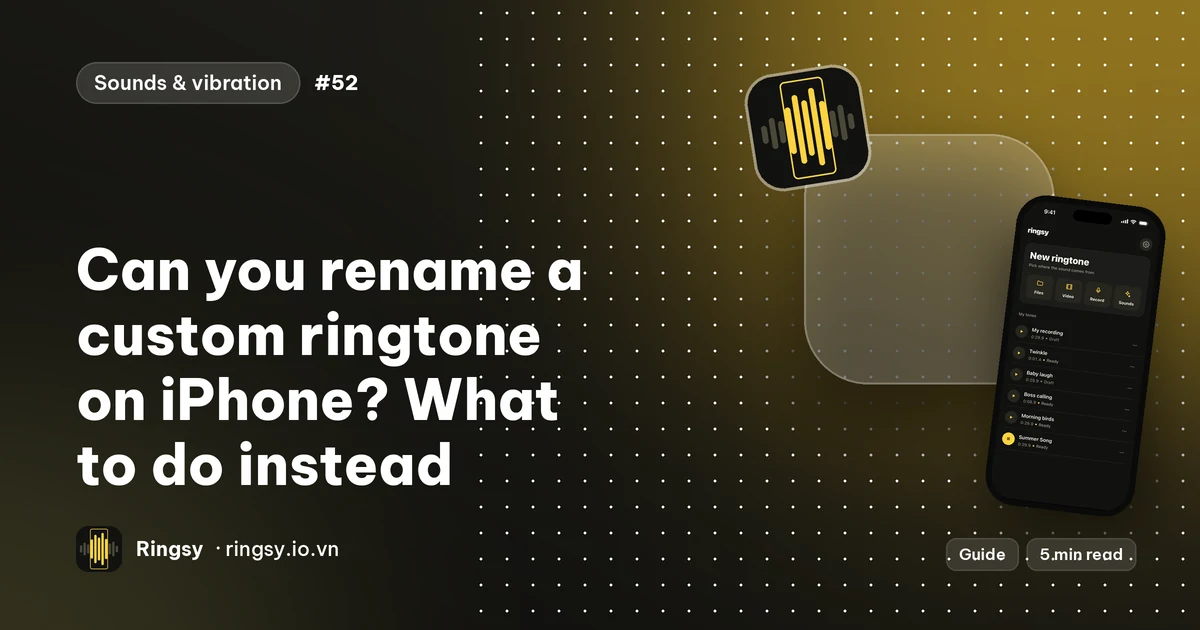
As far as we can tell, iOS has no way to rename a custom ringtone once it is in the list. In Settings › Sounds & Haptics › Ringtone the swipe on your own tone offers Delete, not Rename. The name you see is the one the tone was saved with, so the fix is to choose the name before you add it, or to add a corrected copy and remove the old one.
If you are renaming a tone you made with an app, that is straightforward. The steps below also cover the common surprise: you renamed it in the app, but the iPhone still shows the old name.
Why the name in Settings does not change
When a tone is added to the iPhone, it is added as a separate copy, and the name shown in the list is taken from the file or the title it was saved with. Changing the name of the original file, the voice memo or the song afterwards does not touch the copy that is already in the list.
That is why renaming in the app you made it in usually changes nothing in Settings. The tone in the list and the tone in the app are two independent things. iOS settings change between versions, so if your version does show a Rename option, use it.
The fix: add a corrected copy, then delete the old one
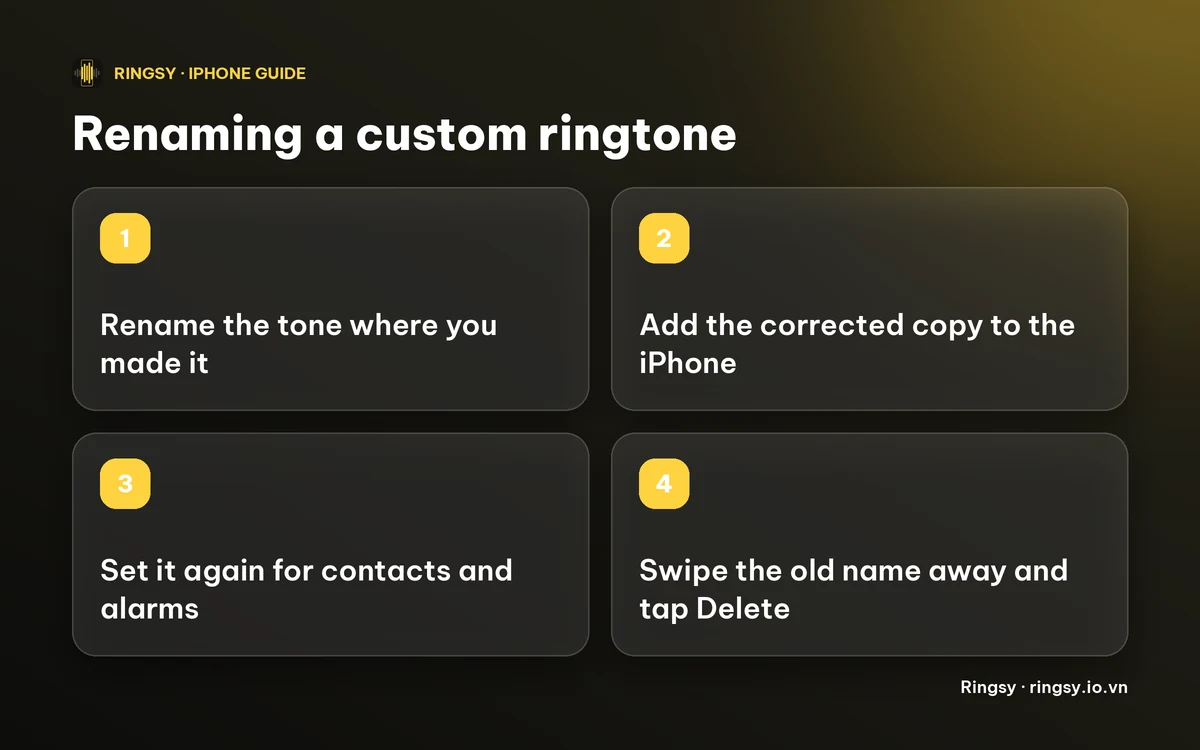
- 1Rename the tone in the place you made it (the name field in your editor, the project name in GarageBand, the file name on a computer).
- 2Add it to the iPhone again the way you did the first time. It appears in the list under the new name.
- 3Check that the new one plays, and set it as your ringtone, text tone or contact tone again where you used the old one.
- 4Open Settings › Sounds & Haptics › Ringtone, swipe left on the old name and tap Delete.
Do step 3 before step 4: contacts and alarms that used a deleted tone fall back to the default, so it is easier to move them while both names are still in the list. Our guide to deleting a custom ringtone shows what happens to them.
Choose a name that you will recognise in a list
- Put the purpose first: “Mom call” and “Alarm – gentle” are easier to find than “Untitled 3”.
- Keep it short. A long name is cut off in the list.
- Avoid two tones with nearly the same name. If you do keep two versions, add a clue such as “v2” or “quiet”.
- If you ever need to send the tone to someone, a clear name also helps them: it is the name they will see in their own list.
Where Ringsy helps
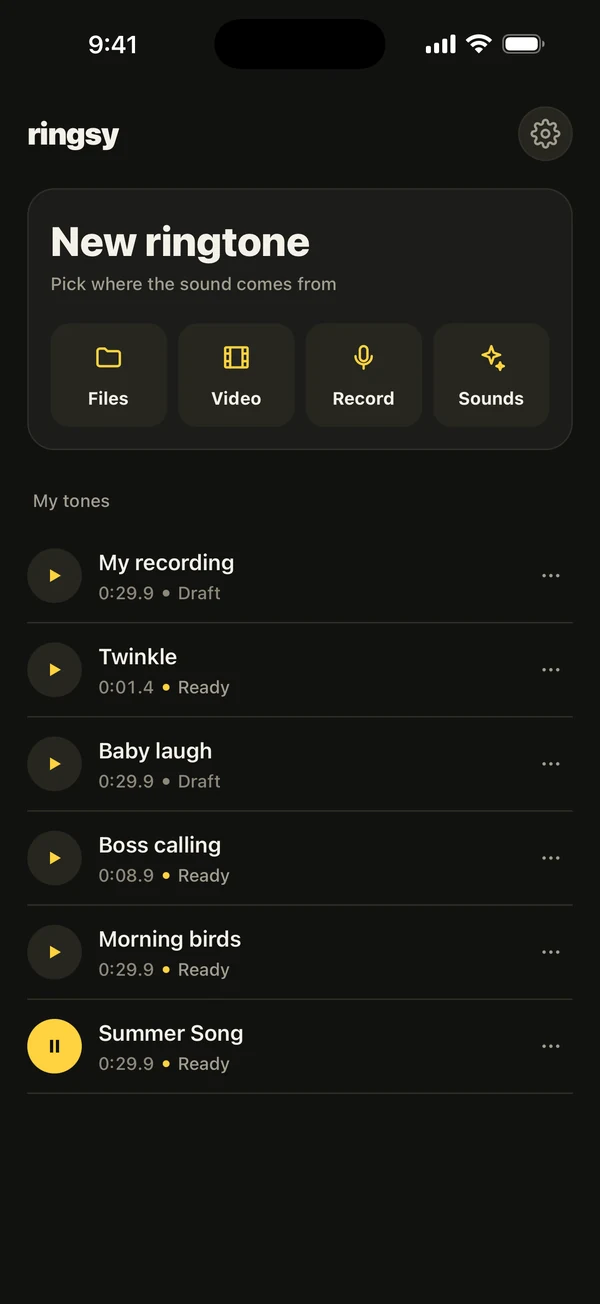
In Ringsy, every tone in My tones has a name, and the ⋯ menu has Rename. The name is also the title of the file Ringsy makes, so the tone's name is part of what is exported. After a rename the tone shows as Edited, because it has to be made again under the new name. Tap Set as ringtone again to render it and add it to the iPhone.
The old copy that is already in your iPhone's list is not changed by this, so remove it yourself with the swipe above once the new one is set. Making the tone again does not use another free export: your first two ringtones are free, and a tone you already exported can be exported again. After that, Ringsy Unlimited is a one-time purchase with no subscription. Sounds are processed on the iPhone and never uploaded.
Quick facts
- The iPhone's ringtone list offers Delete on your own tones, not Rename, as far as we can tell.
- A renamed source does not rename the copy already in the list.
- Add the corrected copy, move your contacts and alarms over, then delete the old one.
Frequently asked questions
- Can I rename a ringtone in iPhone Settings?
- We could not find a Rename option in the Ringtone list: the swipe on a custom tone offers Delete. Rename it before adding it, or add a corrected copy and delete the old one.
- I renamed my ringtone but the iPhone still shows the old name. Why?
- The iPhone's list holds its own copy of the tone. Renaming the original does not change it, so add the renamed tone again and delete the old one.
- Will deleting the old ringtone affect my contacts?
- Contacts and alarms that used a deleted tone fall back to the default sound. Set them to the new tone first, then delete the old one.
- Does renaming a tone in Ringsy use a free export?
- No. A tone you have already exported can be exported again without using another of the two free exports.